On July 2, 2026, the FBI seized hundreds of domain names. Behind those domains sat more than 2 million ordinary household smart TVs and TV boxes. They had been quietly loaded with malware that turned your home network into a criminal’s “relay station” — without your knowledge.
In June, security researcher Xe Iaso published a short blog post titled “You should probably check on your smart appliances.” The post cited a set of honeypot data from the Anubis anti-bot system: among the intercepted crawler traffic, 89.3% came from IP addresses that appeared on no threat-monitoring blocklist — over 2.6 million distinct IPs, all ordinary residential broadband addresses. Iaso speculated that most of this traffic came from hijacked smart appliances: TVs, fridges, routers, even digital photo frames.
The post pulled 73 votes on the tech community Lobsters, but the comments exposed an awkward truth: the security crowd knows these devices are insecure — the problem is, how do you check? How do you find out? How do you fix it? On that, no one had a universal answer.
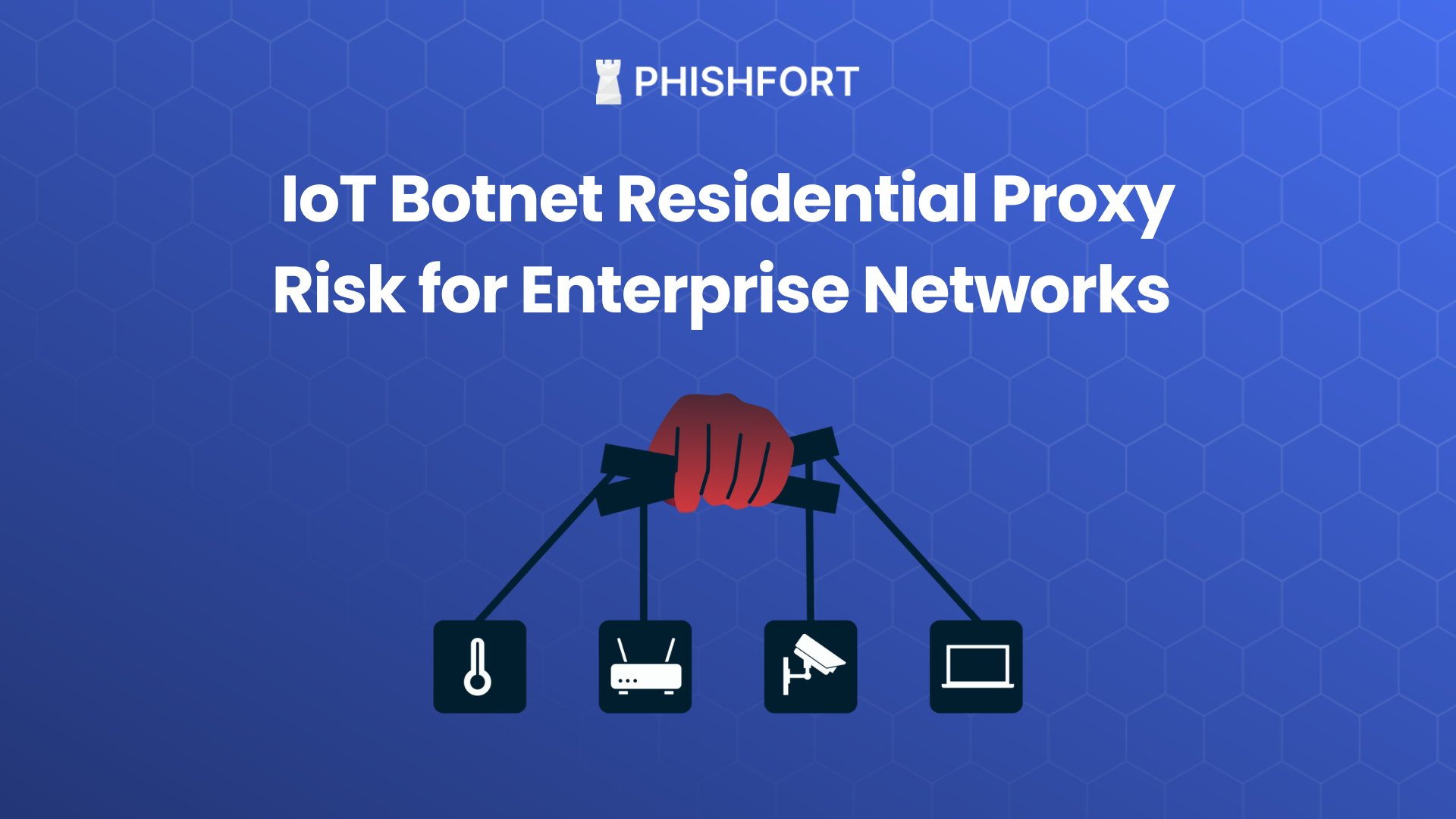 Image: Modern households connect every smart device to the internet, and each one can become an attack entry point. Source: web
Not Sci-Fi: Your TV Really Is “Working” for Someone Else
If you think “smart appliances getting hacked” is just technologists crying wolf, take a look at these numbers.
At the end of 2025, Google’s security team disclosed a botnet called BadBox 2.0. It had infected over 10 million Android-based devices — smart TVs, TV boxes, tablets, digital projectors. Crucially, the malware wasn’t something users downloaded themselves. It shipped preinstalled on the device. The cheap no-name TV box you bought at the mall or online was already a node in a crime network the moment you opened the box.
By 2026, another botnet called Popa emerged. This one “only” had 2 million-plus devices, but its business model was more complete: Popa packaged the hijacked devices’ network traffic into a “residential proxy network” called NetNut and sold it at listed prices to anyone needing to hide their real IP — ad-fraud crews, credential-stuffing hackers, AI companies’ bulk scrapers, even state-level intelligence gathering. Google’s threat-intelligence team observed 316 distinct criminal organizations using NetNut’s nodes within a single week. And NetNut’s operating company, Alarum Technologies, is an Israeli firm listed on the NASDAQ.
The FBI seized NetNut’s domains on July 2. But seizing a domain and dismantling a 2-million-node botnet are two very different things.
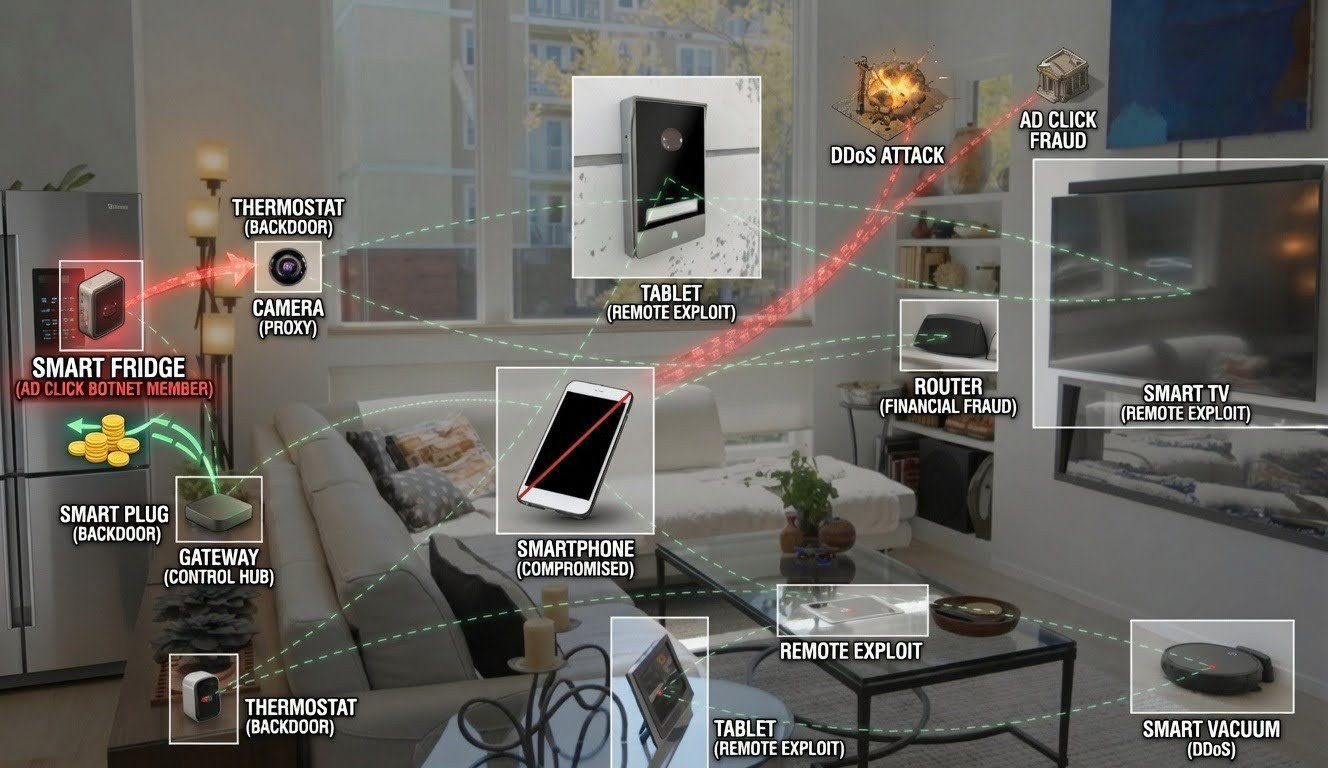 Image: An IoT botnet turns households’ devices into attack tools. Source: security research report
How Does Your TV Get “Infected”?
When buying a TV, few people think of it as a computer. But the truth is, today’s smart TVs run full operating systems — Android TV, Tizen, webOS — and like the laptop on your desk, they have a processor, memory, a network connection, and exploitable vulnerabilities.
A typical smart TV usually has these “attack entry points”:
- Preinstalled malware at the factory (this is BadBox 2.0’s playbook): implanted in the supply chain, so the device is infected the moment the user brings it home.
- “Trojan horses” in the app store: an investigation by a security research outfit into LG’s webOS app store found that over 42% of apps embedded a proxy SDK that can turn a user’s TV into a traffic relay node. Samsung’s Tizen platform fared slightly better, but over a quarter of its apps carried the same SDK. These SDKs hide inside video players, screensaver apps, and system utilities — no pop-ups, no permission prompts, they just run once installed.
- Pirated TV apps: a point multiple security professionals kept raising in the Lobsters discussion. To watch shows for free, many people install sketchy third-party apps on their TVs. These often smuggle in malicious code, and TV systems have neither the permission management of phones nor any app-review mechanism.
- Remote debug ports: some Android TVs leave the ADB debug port (port 5555) open by default, letting an attacker connect directly over the network and seize full control. The xlabs_v1 botnet, discovered in May 2026, specialized in scanning this port to recruit “zombies.”
String these together and a complete attack chain emerges: no-name manufacturers cut costs and sell “smart” as a feature without investing a cent in security; third-party SDK vendors repackage proxy functionality as “ad tech” and slip it into app stores under a legitimate guise; users install pirated apps for free content; criminals rent these nodes and use your home IP for their own business.
Why Your Internet Got Slow — The Consequences of Being Hijacked
An infected smart TV usually shows no directly perceptible anomaly. It won’t pop up a window saying “currently working for someone else.” But invisibly, it may be doing all of the following at once:
- Acting as a DDoS node: your TV, alongside thousands of others, floods some website with requests until it collapses. Your bandwidth is maxed out, and you just think “why is the internet so slow lately.”
- Relaying encrypted traffic: criminals launch attacks, send phishing emails, or run credential stuffing through your home IP — and when investigators trace the IP, they end up at your door.
- Mining cryptocurrency: a TV’s compute is limited, but pool tens of thousands together and the power draw spreads across households — you pay the electricity, they keep the proceeds.
- Ad fraud: unseen in the background, your device simulates user clicks and video plays, helping the black market bilk advertisers.
- Eavesdropping: nearly all smart TVs have a built-in microphone (for voice control). Back in 2015, Samsung publicly admitted its voice-recognition feature sent ambient conversations to a third party for processing. If a TV is taken over by malware, that microphone can be activated remotely.
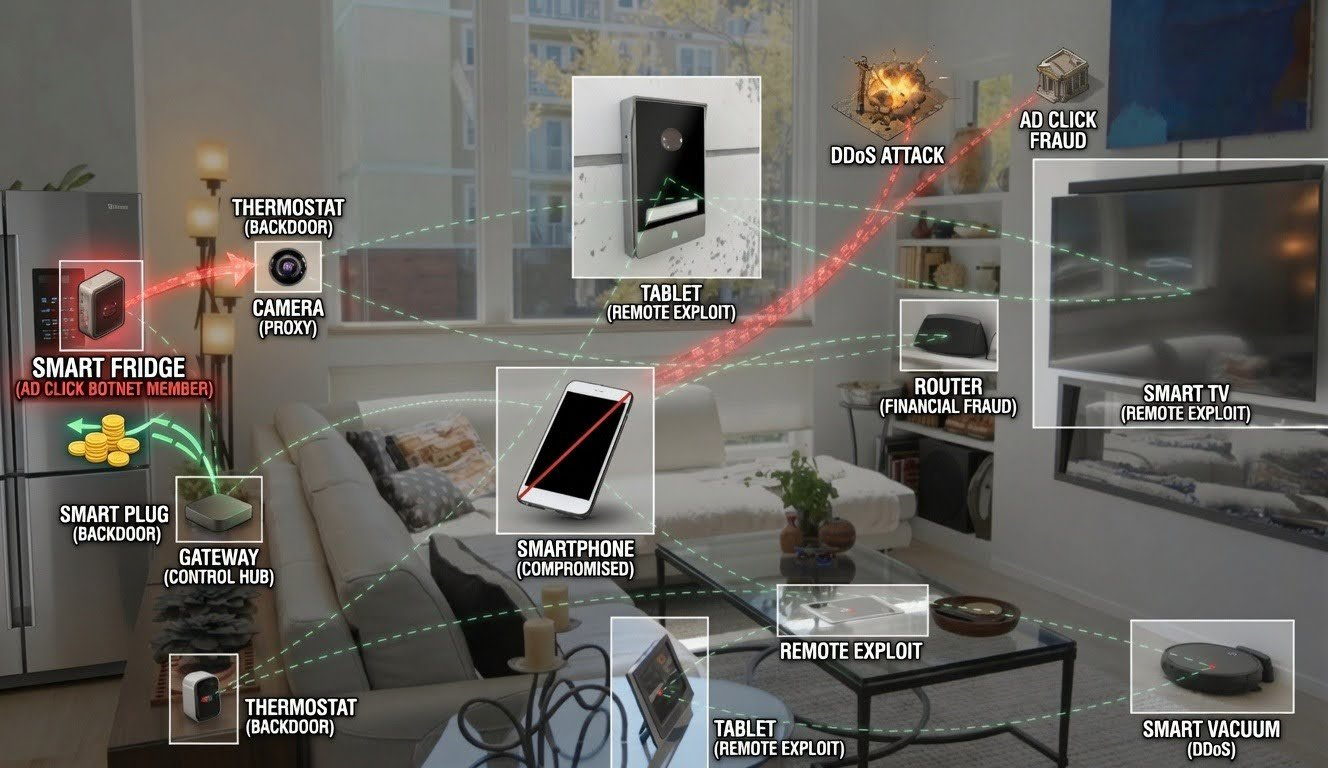 Image: Security holes in devices like smart TVs can expose your privacy. Source: web
The Real Question: How Do I Know If My TV Is Compromised?
This was the most-upvoted comment in the Lobsters discussion — and the original author, Iaso, answered candidly: there is no universal method.
Why? Because a smart TV is a closed system. You can’t install antivirus on it like a computer, nor can you view its process list. The manufacturer doesn’t give you that permission.
Some suggested monitoring DNS requests on the home network — to see which unfamiliar domains your TV is talking to. But that fails against malware using DoH (DNS-over-HTTPS, i.e., domain lookups over an encrypted channel). Others suggested checking traffic logs on the router, but that requires a router you can flash with custom firmware and the willingness to learn how to read logs — far too high a bar for ordinary households.
The security community’s consensus roughly converged on these points:
First, don’t install sketchy TV apps. Especially the so-called “watch everything free” or “no-subscription binge” apps — they aren’t charity, and the price you pay may be your home network.
Second, don’t connect your TV to the internet. This isn’t a joke. If you use an external Apple TV, Chromecast, or game console for content, you can simply turn off the smart TV’s own networking. Many who bought a “smart” TV only ever use the HDMI input — you never touch its “smart” side, yet you carry all the security risk.
Third, if you bought a cheap no-name Android TV box, be extra careful. These devices are BadBox 2.0’s hardest hit — infected at the factory, leaving you no room to act. The safest move is not to buy unknown brands.
Fourth, your router can’t do much, but something beats nothing. If your router supports a “guest network,” put smart appliances on it alone, isolated from your phone and computer. That way, even if the TV is compromised, an attacker can’t use it to reach data on your other devices.
Fifth, watch your electricity bill and internet speed. If the router lights are still blinking furiously when no one’s home, or your power bill shows a clear unexplained jump, that could be a signal — not enough to diagnose, but worth noting.
The Battle Line: Convenience vs. Security, a Long Tug-of-War
The root of smart-appliance security problems lies in misaligned incentives across parties.
For manufacturers, “smart” is a price-tag premium. A plain TV sells for 2,000; add “AI voice” and it sells for 3,500 — the extra 1,500 might cost 50 yuan in chips and a free open-source Android system. Security updates? Users can’t see them, they don’t affect sales, so why invest?
For users, convenience is a real need. Voice search, phone screencasting, app remote control — these are genuinely useful features. Asking users to give up convenience for security has never been an effective strategy in the consumer market.
For attackers, smart appliances are “perfect prey”: always online, enough compute, users never check, manufacturers never patch. A TV lasts five to ten years, yet its security patches may stop the year after it leaves the factory.
The EU’s Cyber Resilience Act requires that, from late 2027, all internet-connected devices sold in the EU must provide security updates, secure-by-default configurations, and public vulnerability disclosure. That’s a direction. But globally, low-cost hardware vendors can still exploit regulatory gaps and dump insecure hardware into loosely regulated markets.
I won’t pretend to offer a “complete solution” here — because none exists. What we can do is make enough people aware of this, so that “my TV might be compromised” no longer sounds like science fiction. After all, the first step in security has always been admitting you might not be secure.
References:
- Xe Iaso: You should probably check on your smart appliances
- Lobsters discussion (s/slrak5)
- Google official blog: Taking legal action against BadBox 2.0 botnet
- Hive Security: FBI Seizes NetNut — How a 2-Million-Device Proxy Botnet Hid Inside Smart TVs
- Gblock: Your Smart TV Is Secretly Routing Hacker Traffic
- SecurityWeek: Google Sues Operators of 10-Million-Device BadBox 2.0 Botnet