Running macOS Software on Linux Without macOS: Kakehashi Passes 200 Utilities
The long-standing rule that Apple software only runs on Apple hardware is showing its first real crack. In early August 2026, an open-source project named Kakehashi (Japanese for “bridge”) surged onto the front page of Hacker News, earning 156 points and 34 comments. Its core premise can be summed up in one sentence: run native macOS software directly on an ARM Linux machine—without installing macOS or running a virtual machine. The project has already passed over 200 built-in macOS command-line utilities, and even the 7-Zip archiver runs cleanly. For the first time, serious technical effort is chipping away at Apple’s “Mac-only” software lock-in.
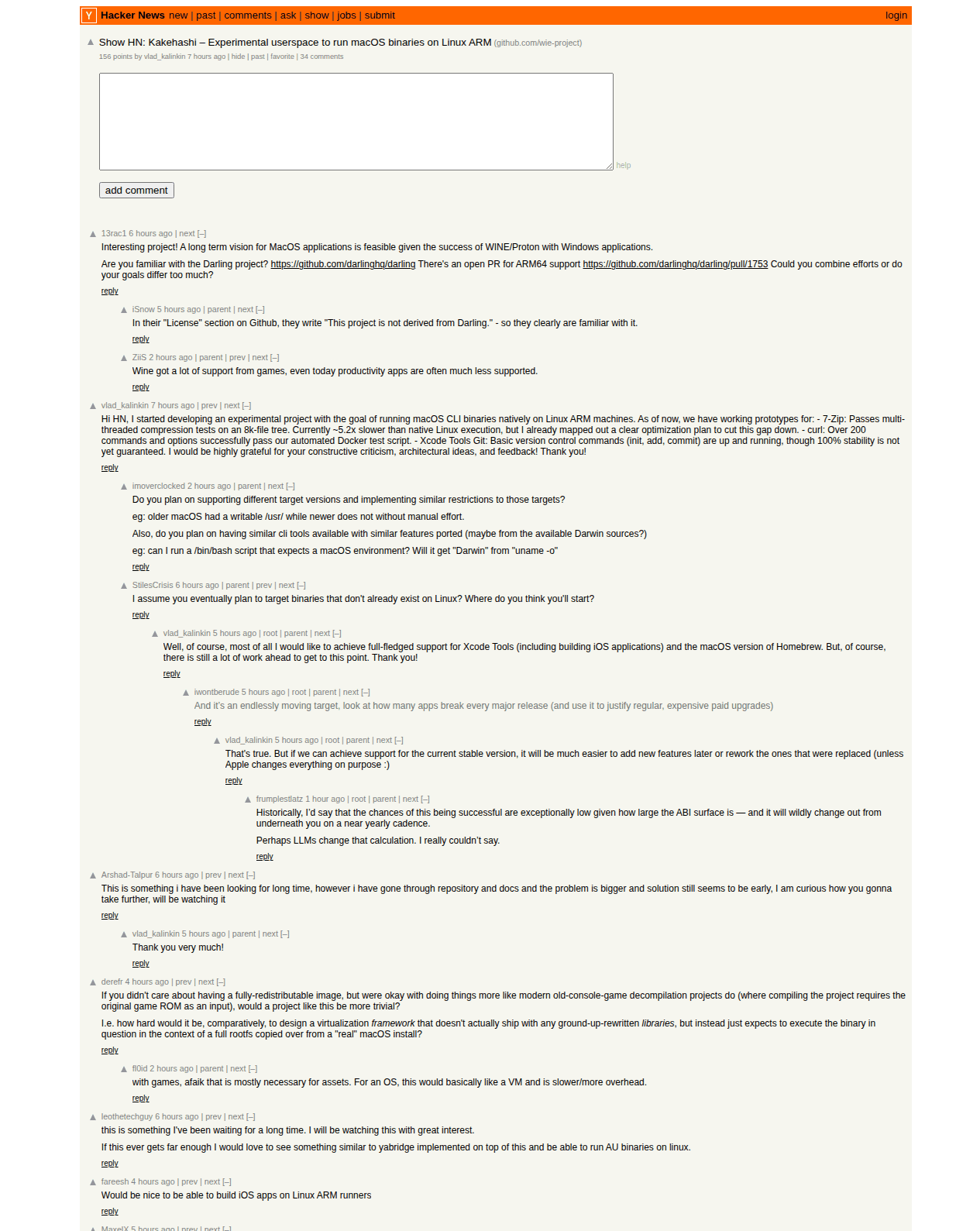
Figure: Kakehashi’s launch thread on Hacker News, where the author answered progress questions in real time. Source: news.ycombinator.com
Why This Sounded Impossible
To most users, Apple software and Apple hardware are inseparable: software built for Mac simply won’t launch anywhere else. This isn’t an accident; it is the calculated result of Apple’s walled-garden strategy.
Apple’s business model tightly couples hardware sales with software exclusivity. The macOS EULA explicitly mandates that the operating system may only run on Apple-branded hardware. Wanting to run it elsewhere violates the agreement. Combined with App Store commissions and cloud subscriptions, every element locks into the ecosystem—every Mac you buy is effectively admission to the garden. For decades, using macOS software on non-Apple hardware meant choosing between two bad options: spinning up a heavy, slow, resource-hungry VM running the full OS, or venturing into the risky gray market of Hackintosh setups that mainstream users avoid.
Kakehashi takes a third approach: don’t port the OS—port the app.
How It Works: A Translator at the System Level
Porting macOS software to Linux is inherently difficult because the two environments speak entirely different languages. macOS binaries expect Apple’s ABI, system call conventions, and framework layout, while Linux operates under its own rules. Previously, bridging this gap meant bringing the entire macOS userland along for the ride.
Kakehashi relies on a crucial structural insight: Apple Silicon M-series chips and modern Linux ARM devices speak the exact same underlying architecture dialect. Because the CPU executes the same ARM instruction set natively, the application binary can run directly on Linux without CPU-level emulation or instruction translation. The only layer requiring translation is when the binary makes request calls to the operating system—reading files, accessing networks, or allocating memory. Kakehashi acts as an inline translator: when a macOS application calls “open this file,” Kakehashi intercepts the request, translates it into the equivalent Linux system call, and returns the result back to the binary.
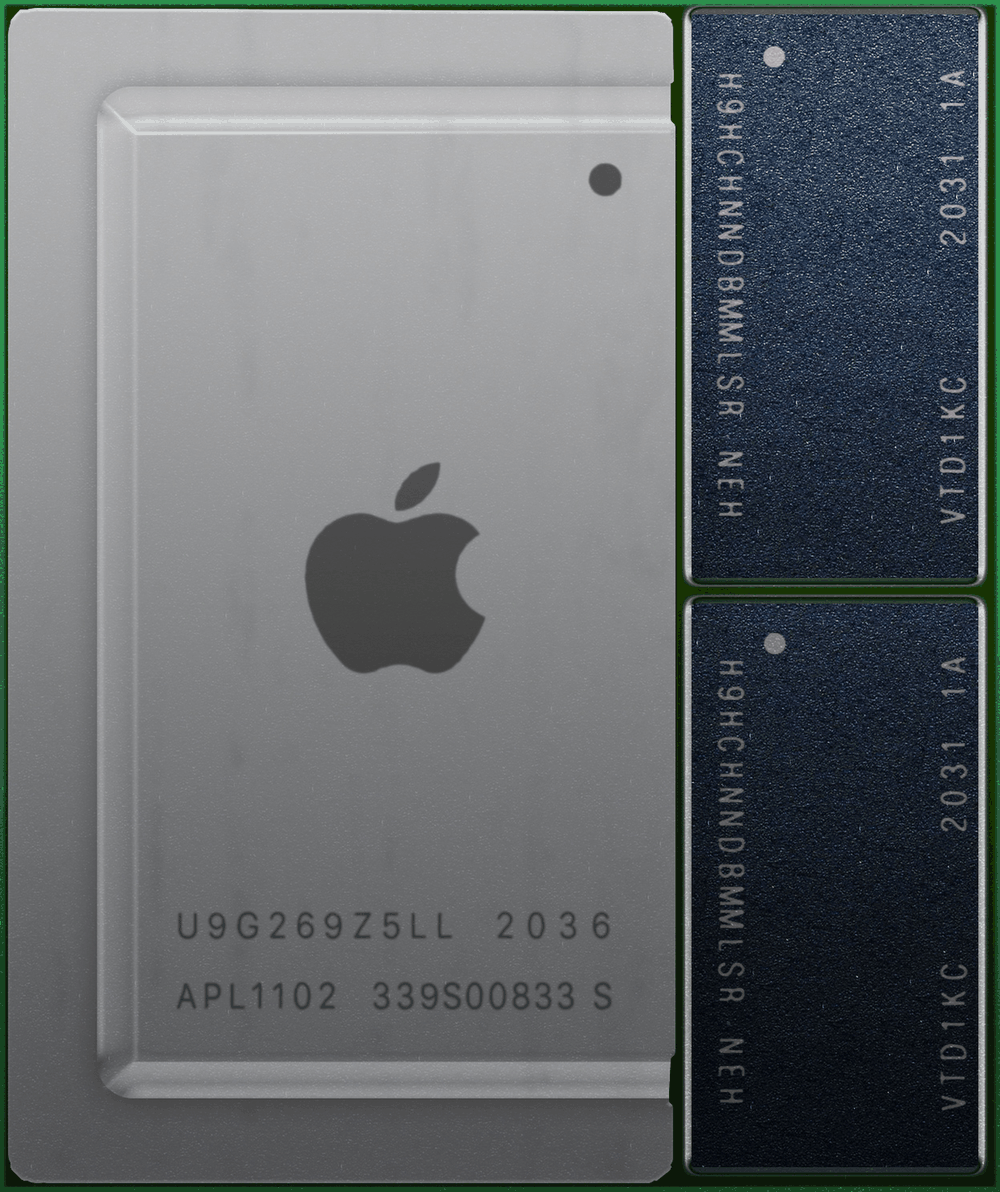
Figure: Apple’s M-series chips and mainstream ARM Linux hardware share the same ARM architecture, dramatically lowering binary execution overhead. Source: Wikimedia Commons
This architecture is formally known as a “compatibility layer.” Its most famous predecessor is Wine, which enables Windows binaries to run on Linux.
People Tried This 30 Years Ago
In 1993, an open-source project called Wine was launched with an equally audacious goal: running Windows software natively on Linux. Skeptics were everywhere—Windows had tens of thousands of APIs and edge cases, and replicating them seemed like an endless fool’s errand. Yet over three decades of steady engineering, Wine went from barely functional to indispensable.
Today, Wine is a cornerstone of modern gaming: Valve’s Steam Deck relies on a customized version (Proton) to let hundreds of thousands of gamers play Windows titles seamlessly on a handheld Linux device. What once seemed impossible became the bedrock of a major hardware platform.
Kakehashi isn’t the first attempt to build a bridge for macOS software. An earlier project named Darling attempted a similar goal, but progress remained slow. On Hacker News, Kakehashi’s author explicitly noted that this is not a fork of Darling, but a fresh, clean-room implementation written in Rust that operates entirely in user space with minimal privilege requirements. The author also acknowledged using AI tools during development, sparking a brief debate in the comments about clean-room implementation, to which the author responded by highlighting that the entire codebase is open source and open to public audit.
Is Being 5.2× Slower a Dealbreaker?
The project’s headline benchmark centers on 7-Zip: under a stress test compressing 8,000 files totaling 240 MB, 7-Zip completed successfully with identical output data, but ran 5.2× slower than native Linux 7-Zip—taking 118 seconds compared to 22.5 seconds. Meanwhile, over 200 curl command variants passed automated test suites, and basic operations of Xcode’s bundled Git utility functioned as expected.
While a 5.2× slowdown sounds severe, performance analysis suggests this is expected overhead for an early-stage compatibility layer. The bottleneck stems primarily from translation context switches: every time an app makes a system call, data must cross the translation barrier. Tasks involving thousands of small files incur high interception frequency. For large-file compression with fewer system calls, the performance gap narrows significantly to just 1.1×–1.2×. Wine faced far worse overhead in its early days. The developer has outlined an optimization roadmap, with the next milestones targeting Apple’s full Xcode toolchain (including iOS app compilation) and macOS Homebrew—the real battleground for developer workflows.
Commenters on Hacker News also raised valid concerns: Apple modifies low-level OS interfaces with almost every major macOS release, forcing compatibility layers into a perpetual game of catch-up. Playing catch-up against a vendor actively trying to lock its ecosystem is an inherently asymmetrical battle.
What This Crack Means for the Broader Ecosystem
On a broader level, this represents an ideological collision between open systems and closed ecosystems. The open-source ethos demands that software should run anywhere hardware permits, whereas Apple’s philosophy asserts that user experience is best inside a tightly managed garden. Decades of debate haven’t settled the argument, but Kakehashi proves that walls can be breached given the right abstractions and sufficient patience.
If macOS-exclusive creative tools—for video editing, music production, and design—ever run reliably on inexpensive ARM hardware, Apple’s hardware moat will look very different. History offers a precedent: Wine didn’t kill Windows; instead, it made Windows applications ubiquitous across platforms. Breaching a wall doesn’t necessarily collapse the garden, but it forces the gardener to acknowledge the world outside.
Whether Kakehashi ultimately achieves full maturity remains an open question—the 5.2× performance gap, shifting OS APIs, and licensing minefields are formidable hurdles. But it’s worth remembering: when Wine launched in 1993, few believed it would one day power a handheld gaming revolution. Every major shift starts with a single crack.
Reference Links:
- Kakehashi GitHub Repository (wie-project): Project home, README, architecture docs, and roadmap
- HN Discussion (item?id=49145937): Author’s details on 7-Zip, curl, Xcode Git progress, and relationship to Darling
- Wine Official History Documentation: WineHQ “Wine Is Not an Emulator” project introduction
- Wine Wikipedia Entry: Development history from 1993 to Steam Deck integration