An “offhand question” that surfaced a 30-year-old hidden capability
On July 17, well-known security researcher lcamtuf (Michał Zalewski) posted a casual thought on Mastodon:
“progressive JPEG sends low-frequency data first when loading, then gradually fills in detail. I bet you could run it in reverse — make a ‘regressive JPEG’ that looks fine at first and slowly turns into something terrible.”
The post didn’t spark a big discussion in tech circles — but someone saw it, and someone acted on it.
Two days later, developer Maurycy posted his results on the tech community Lobsters: not only can you make “regressive images,” you can make a single JPEG file animate like a GIF. The post hit △95, the day’s top-voted item.
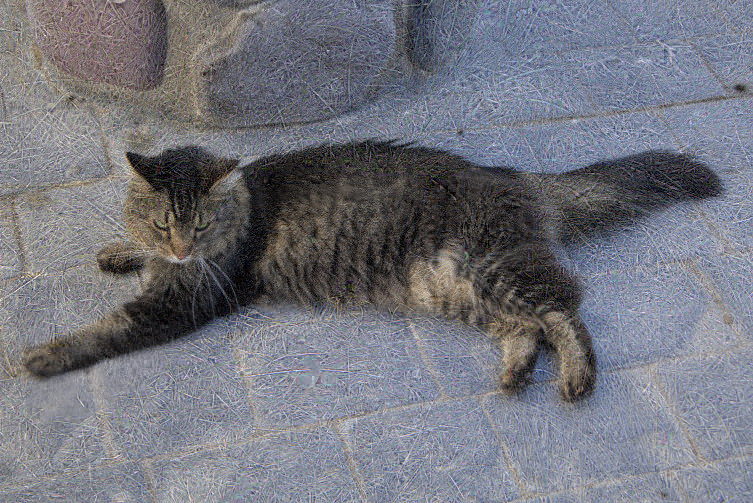
▲ Source: maurycyz.com. The same JPEG file shows a different cat at different loading stages — the browser thinks it’s still “progressively sharpening,” but the content has actually been swapped out.
The JPEG standard was born in 1992, 34 years ago. From digital cameras to phone galleries to web images, billions of JPEGs are viewed, transmitted, and stored worldwide every day. And just last month, someone discovered a capability hidden in that standard that no one had ever used — making animations.
Send the blurry version first, then fill in the sharp — a stroke of genius
To understand this discovery, I first have to explain a design from the 1990s.
Anyone who was online early should remember: when the connection was slow, opening a large image, the picture would paint in row by row from top to bottom. That’s “baseline JPEG” — data laid out in order, the browser displaying as much as it receives.
Later the JPEG standard added an option called “progressive JPEG.” It works completely differently: it sends the image’s “outline” first, then gradually adds detail.
An everyday analogy:
Your friend is in the mountains with terrible signal and wants to send you a group photo. The old way, you’d only see the photo paint in top-to-bottom, cell by cell. But with “progressive,” your friend can first send a 1/16-size blurry thumbnail — you instantly recognize it’s a group photo. Then the detail data follows, and the expressions, clothing textures, and background leaves sharpen up bit by bit.
Technically, the way this is implemented is to split the image data into multiple “batches” (called scans in the standard). Each batch carries a label saying which precision range it’s responsible for. The first batch contains only the coarsest information; later batches add higher-frequency detail.
The key point: the standard specifies that each batch of data must declare which range it covers, but it never specifies — that the content described by later batches must belong to the same image as the earlier ones.
Like a shipping label that never said “same recipient required”
lcamtuf’s original idea was the “regressive JPEG”: put a nice image in the first batch, then progressively overwrite it into something ugly. A food photo, say, that turns into moldy food halfway through loading.
But Maurycy found you could go further.
Since later batches can overwrite previously rendered content, why not just splice several different images into the same file? The method is surprisingly simple:
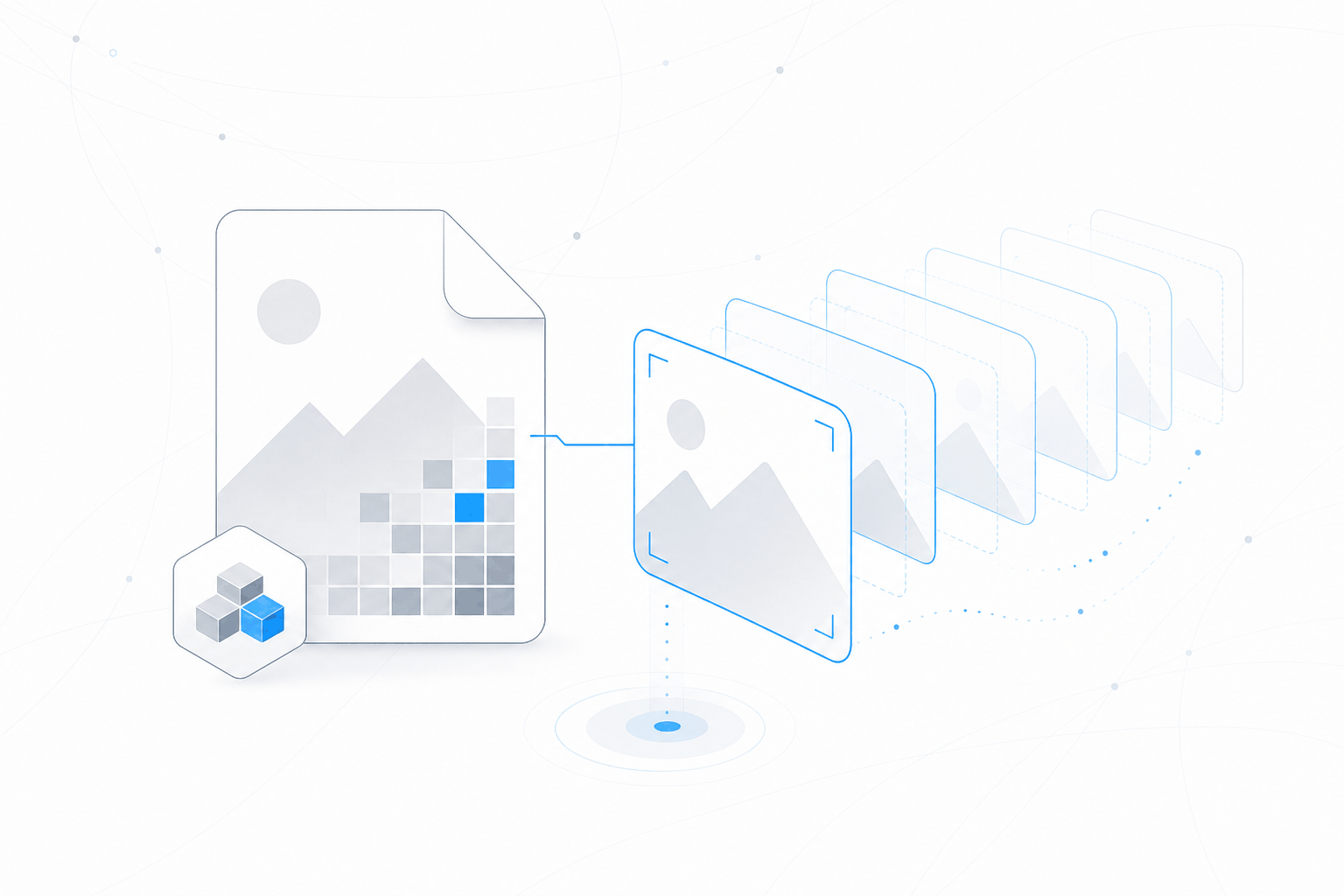
Concatenate the “data segments” of several same-size JPEGs end to end, strip out the extra header markers in between, and the browser will render them in sequence as multiple “precision layers” of a single image.
An analogy:
You send a shipping company a string of packages, and each one’s manifest reads “Deliver to: John’s house, item: photo.” The courier delivers them one after another, each time updating the “photo” at John’s house. But the second photo John receives is completely different from the first — the shipping system only checks that the category “photo” is correct, not whether it’s the same photo.
The browser does the same. It checks whether each batch of data’s label (precision range, color channel) conforms to the JPEG standard, but it never checks “is this image the same content as the one before.” It faithfully overwrites the new data onto the old picture, and so —
what you see changes.
From “swapping images” to “playing a video”
The first version had a limit: a normal progressive JPEG contains about 10 batches (scans). Most browsers’ decoders assume “this image should be fully loaded” after receiving around 10 batches, and refuse to accept more. That meant you could only fit eight or nine frames — nowhere near enough for animation.
Maurycy kept optimizing. He found you could make a “minimal batch”: each frame uses just one DC scan (containing only the most basic color information, no detail). That way each image is only 1/16 the clarity of the full version, but as an animation frame it’s plenty.
With this method, Chrome can render about 90 frames before giving up, and Firefox is even more patient. 90 frames is enough for a short video clip.
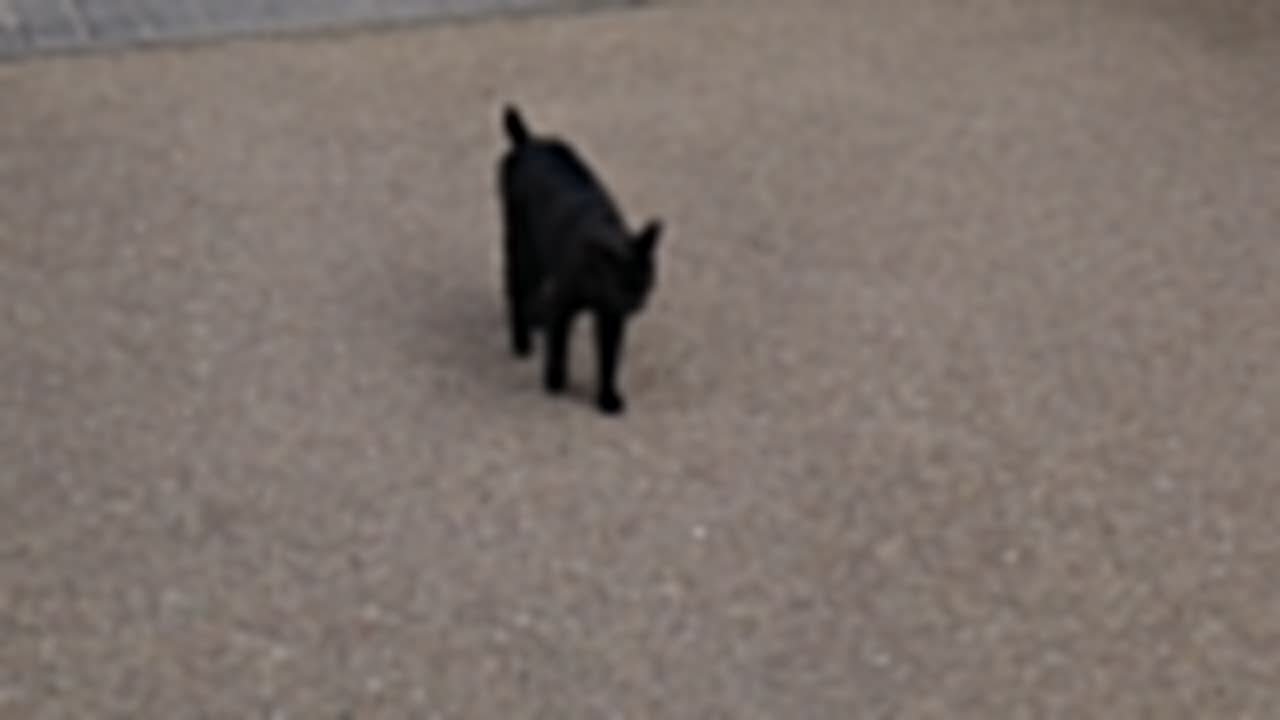
▲ Source: maurycyz.com. A single static JPEG file, using the overwrite property of progressive batches, plays out a black cat’s walking animation frame by frame during loading. This is a fully JPEG-standard-compliant file that any browser can open.
What is this good for?
Honestly — nothing.
This hack has a fatal flaw: you can’t control playback speed. Because the animation’s “frame rate” depends entirely on network speed — fast download, fast playback; slow download, slow playback. It has none of the timing controls found in GIF or video formats.
And most image viewers stop displaying once an image “finishes loading,” and won’t loop. To see the animation effect, you have to load it progressively under slow-network conditions, or use some special presentation method.
But that doesn’t matter.
What’s genuinely interesting is the discovery itself: an international standard written 30 years ago, read, implemented, and used by countless engineers over 30 years, and not one of them noticed it could do animation — until someone asked an offhand question.
An overlooked standard, and the triumph of technical curiosity
I find this story has a particular charm.
The JPEG standard — published by the International Organization for Standardization (ISO), thousands of pages of technical documentation, implemented by every image-handling piece of software on Earth — has just sat there, motionless, for 34 years. Every line of its spec is public; anyone can read it.
The “scan overwrite” mechanism of progressive JPEG has been in the standard from the very beginning. lcamtuf didn’t discover some new vulnerability; he just asked a question the standard never said “you can’t do”: what happens if the data in a later scan differs from the earlier one?
The standard can’t answer that — because it never imagined anyone would try.
And Maurycy didn’t even write some complex program. His code is a short C file that essentially “splices the middle parts of a few images together and strips the head and tail markers.” The real difficulty was thinking to do it at all.
Tech circles have so much discussion revolving around “best practices,” “performance optimization,” and “architecture design.” Once in a while a story like this appears — someone dug out a 30-year-old document, pointed at a line, and said “it doesn’t say I can’t” — and it reminds you of what the hacker spirit was really about.
A final word
If you’re interested in trying it yourself, Maurycy has published all the code and sample images on his blog. A JPEG file of a few hundred KB, opened in a browser, will slowly “come alive” as it loads.
Of course, this isn’t some revolutionary breakthrough. It won’t replace GIFs, and it won’t change the landscape of image formats. But it’s the kind of discovery that makes you smile — like finding a hidden door under the floor of an old house that no one had ever opened. There’s no treasure behind it, but the moment you open it is itself a kind of joy.
Reference links:
- Lobsters discussion: Regressive JPEGs
- lcamtuf’s original Mastodon question
- Maurycy’s tech blog: Regressive JPEGs