
Full 2.5 Gbps Bandwidth, Cut to a Quarter Through the Monitor
In November 2026, engineer Oscar Molnar upgraded his home setup to a 2.5 Gbps high-speed broadband connection. But speed tests returned bizarre numbers: uploads hit a full 2.4 Gbps, while downloads collapsed to roughly 600 Mbps—a 75% drop. The asymmetric performance hinted that something deep in the underlying link was choking.
The first step was identifying the problematic hardware. Plugging the USB Ethernet adapter directly into the laptop immediately restored download speeds to an expected 2.3 Gbps. Yet plugging it into the downstream port of an Apple Studio Display caused downloads to instantly plummet back to 600 Mbps.
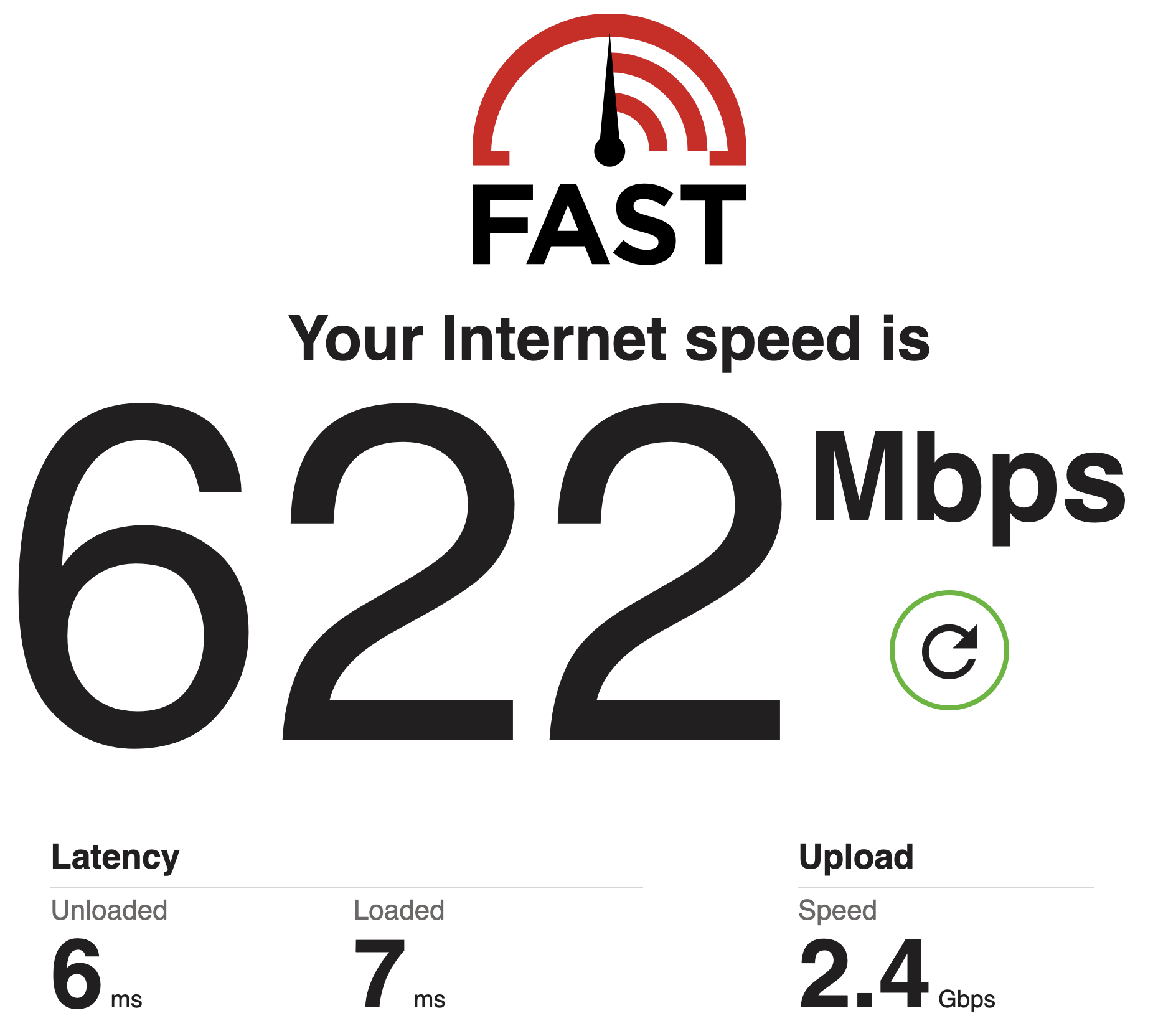 Figure: The same Ethernet cable and adapter routed through the monitor yielded only 622 Mbps down, while upload reached 2.4 Gbps. Source: The Tymscar Blog
With the exact same cable and adapter, adding a display into the chain slashed download throughput. Some might suspect insufficient bandwidth from the internal hub chip, or that 5K video traffic was crowding out data. However, the 2.4 Gbps upload speed shattered that hypothesis: the physical link easily supported high-throughput traffic.
Ruling Out Suspects One by One, Yet System Logs Show No Errors
Troubleshooting shifted to local network diagnostics. Routing through the display caused a severe 10% packet loss, whereas Wi-Fi recorded zero dropped packets. Mysteriously, macOS system logs remained completely clean, logging no packet drops or driver warnings whatsoever.
The absence of system log entries pointed to an elusive reality: the drops were happening inside the NIC hardware itself. Before packets could even reach the operating system, the network adapter’s internal hardware buffer was overflowing. Switching to Realtek’s official driver improved downloads to 1.1 Gbps, but still fell far short. Software tweaks could alleviate symptoms, but could not cure the hardware bottleneck.
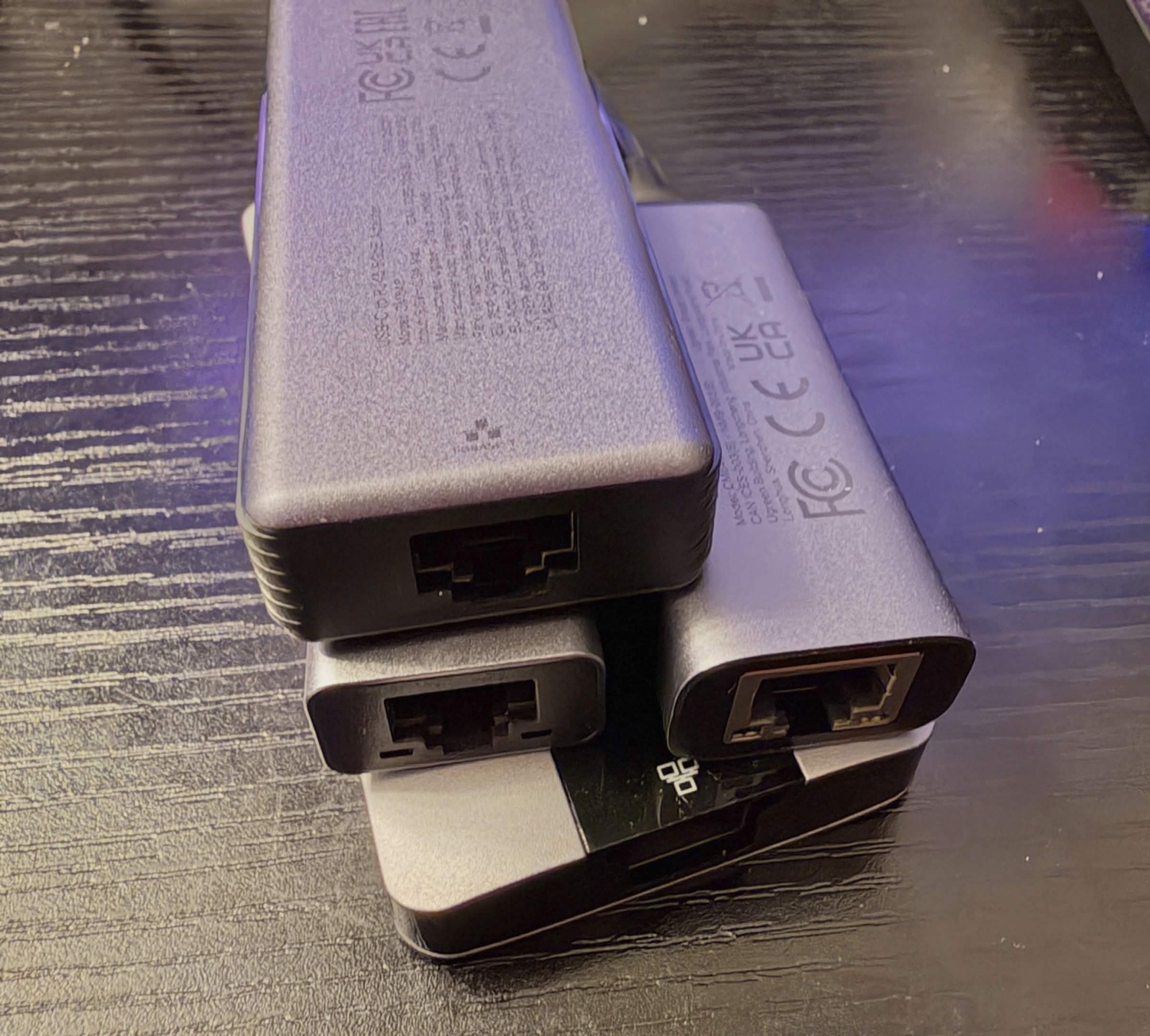 Figure: Various USB-C Ethernet adapters with different controller chips evaluated during testing. Source: The Tymscar Blog
The engineer then enabled 802.3x flow control on the upstream router. Download speeds instantly jumped to nearly 2 Gbps. Flow control allows a receiver to pause incoming transmissions, and this immediate speed recovery confirmed buffer overrun.
Constant-Rate Stress Tests Reveal the Hard Ceiling: 168,000 Frames per Second
To eliminate higher-layer protocol interference, testing turned to quantitative packet blasting. Disabling flow control, the engineer flooded the link unidirectionally with UDP packets at fixed rates while reading hardware packet-drop registers directly from the NIC. Connected directly to the computer, packet loss hovered near 0% across all load levels.
Once routed back through the display, the benchmark curves diverged sharply. Packet loss was 0% below 1.5 Gbps, rose to 2.7% at 2.03 Gbps, and spiked past 10% beyond 2.2 Gbps. Regardless of how aggressively external packets were pumped in, the adapter could deliver no more than roughly 168,000 Ethernet frames per second to the host.
A ceiling of 168,000 frames per second corresponds to an effective drain bandwidth of approximately 2 Gbps. When incoming traffic hit 2.5 Gbps, inflow exceeded outflow, inevitably overflowing the adapter’s tiny internal FIFO buffer. Once TCP detected packet drops, it triggered aggressive congestion control, throttling sustained speeds down to 600 Mbps.
Pausing Every Four Packets: The Buffer Could Not Keep Up
Why could the adapter sustain full speed when plugged directly into the laptop, but stall at 168,000 frames per second through the display? The answer lies in USB 3.0 burst packet handling. Under the USB specification, after transmitting a configured batch of packets, a peripheral must pause and wait for an acknowledgment (ACK) from the host before sending the next burst.
High-speed NVMe portable drives typically configure burst transfers to 16 packets. Reading the USB descriptors of the RTL8156B NIC revealed that each packet measured 1024 bytes, while the burst parameter bMaxBurst was configured to just 3. According to protocol rules, a value of 3 means at most 4 packets per burst—a payload of merely 4 KB per cycle.
After transmitting every 4 KB, the adapter was forced to idle and wait for a host ACK. Measurements showed that transmitting the data took roughly 8.2 microseconds, while waiting for the round-trip acknowledgment consumed about 7.6 microseconds. This handshake turnaround cut drain throughput, and the microsecond-level latency of the monitor’s internal hub capped the NIC’s drain rate at 2 Gbps. In the face of 2.5 Gbps incoming line-rate traffic, the hardware buffer was doomed to overflow.
Swapping the Chip: Doubling Bursts Unlocks Full 2.5 Gbps
A follow-up experiment introduced the newer RTL8157 5GbE controller. On this updated chip, bMaxBurst was raised to 7, allowing 8 consecutive packets per burst and doubling single-round payload capacity to 8 KB. Tested through the exact same display under 2.5 Gbps traffic, the new chip maintained 0% packet loss and easily saturated full download speeds.
Comparing the two generations of silicon on the identical monitor exposed a common peripheral blind spot. Many devices that perform well on direct connections rely on overly conservative firmware parameters. When faced with high-bandwidth networks and multi-tier hubs, such conservative defaults quickly turn into performance bottlenecks.
When high-speed connections suffer cliff-like slowdowns, the root cause often traces back to conservative burst limits baked into NIC firmware. Add a touch of hub handshake latency, and a premium monitor turns into a bottleneck that swallows bandwidth. Advertised line rates are only nominal specs; low-level protocol handshake efficiency is what truly dictates performance.
References:
- The Tymscar Blog: How a monitor bottlenecked my 2.5Gbps network
- USB Implementers Forum: Universal Serial Bus 3.2 Specification
- Realtek Semiconductor: RTL8156B and RTL8157 Controller Datasheets