On November 17, 2026, repair specialist iFixit published its in-depth teardown of Apple’s smart home hub, the HomeView. The teardown team initially anticipated that the device would build upon Apple’s recent strides in hardware repairability. While the original HomePod famously required a handsaw to breach its outer shell, the second-generation HomePod and newer iPads introduced pull-tab stretch-release adhesive, modular USB-C ports, and official service manuals.
The HomeView mounts a 7-inch display atop a base reminiscent of the HomePod mini. Before reaching for their tools, the repair technicians performed industrial CT scans on the unit. The imaging revealed an upper section housing the display and speaker modules, anchored to a compact acoustic base below. Two distinct hardware assemblies are joined mechanically via a central hinge.
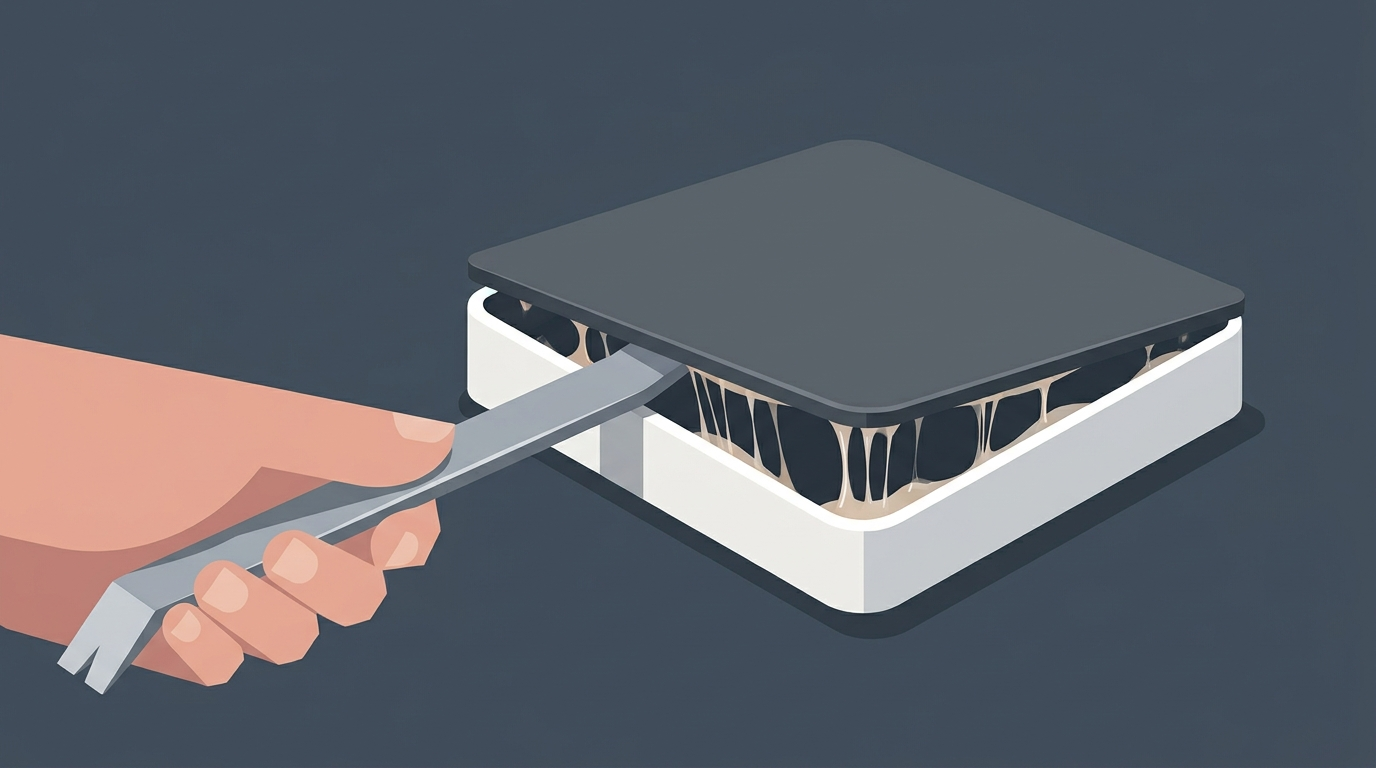
Yet disassembly stalled at step one. The display bezel is fastened with heavy industrial adhesive. The aluminum chassis offers a large thermal dissipation area, meaning heat from a conventional heating pad dispersed rapidly. Technicians had to wait an unusually long time before the adhesive softened enough to pry open. In fact, this adhesive bond proved stronger than that of any iPad released in recent years.
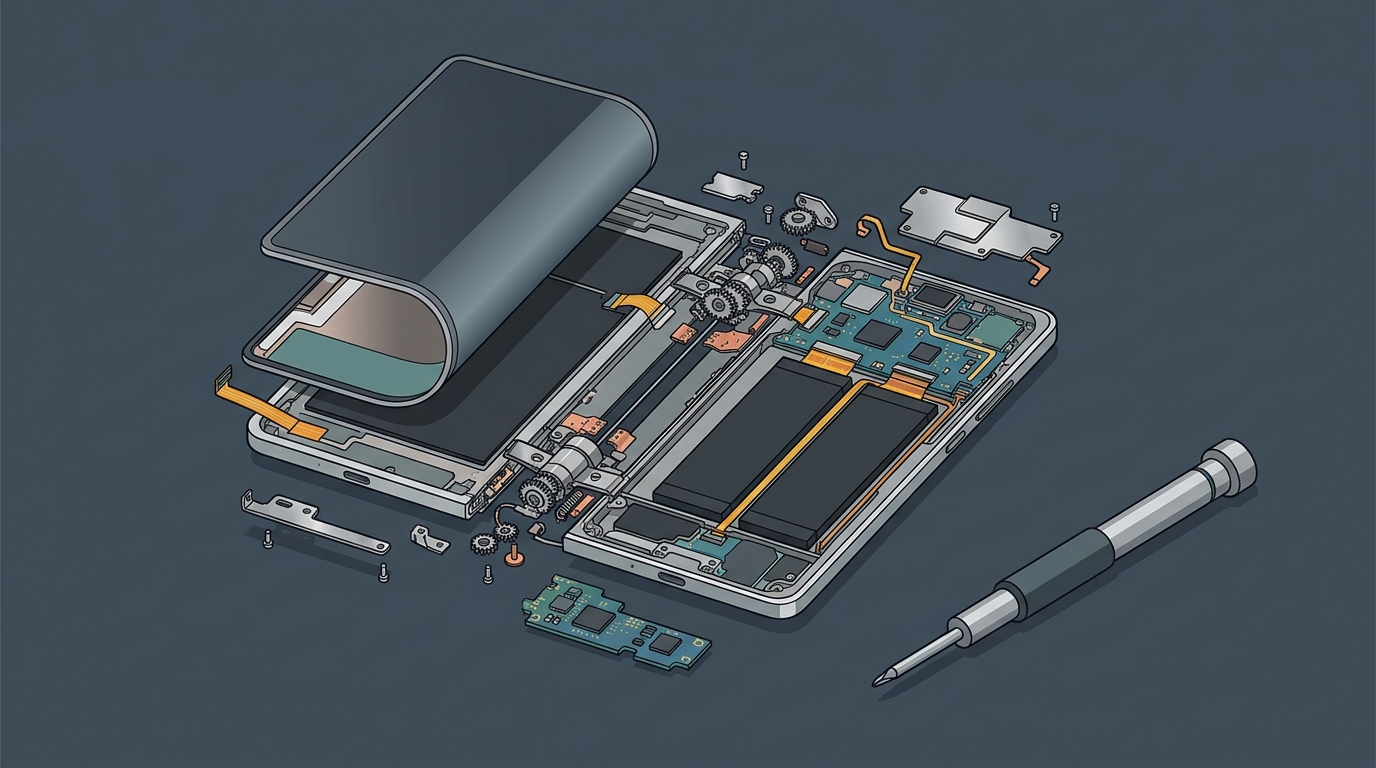
Once the front glass was lifted, the internal retention architecture revealed an erratic layout. Over the display cable, a single metal retaining bracket secured one side with a Phillips screw and the other with a Torx screw. The bracket for the antenna coaxial cable stuck with Phillips screws, yet the neighboring camera bracket abruptly shifted to larger Torx fasteners.
Disassembling a single compact zone required constantly switching screwdriver bits. Forcing two completely different screw standards onto the same small bracket recalls the frustrating design choices of early iPhones—a legacy that has unexpectedly resurfaced in Apple’s latest hardware.
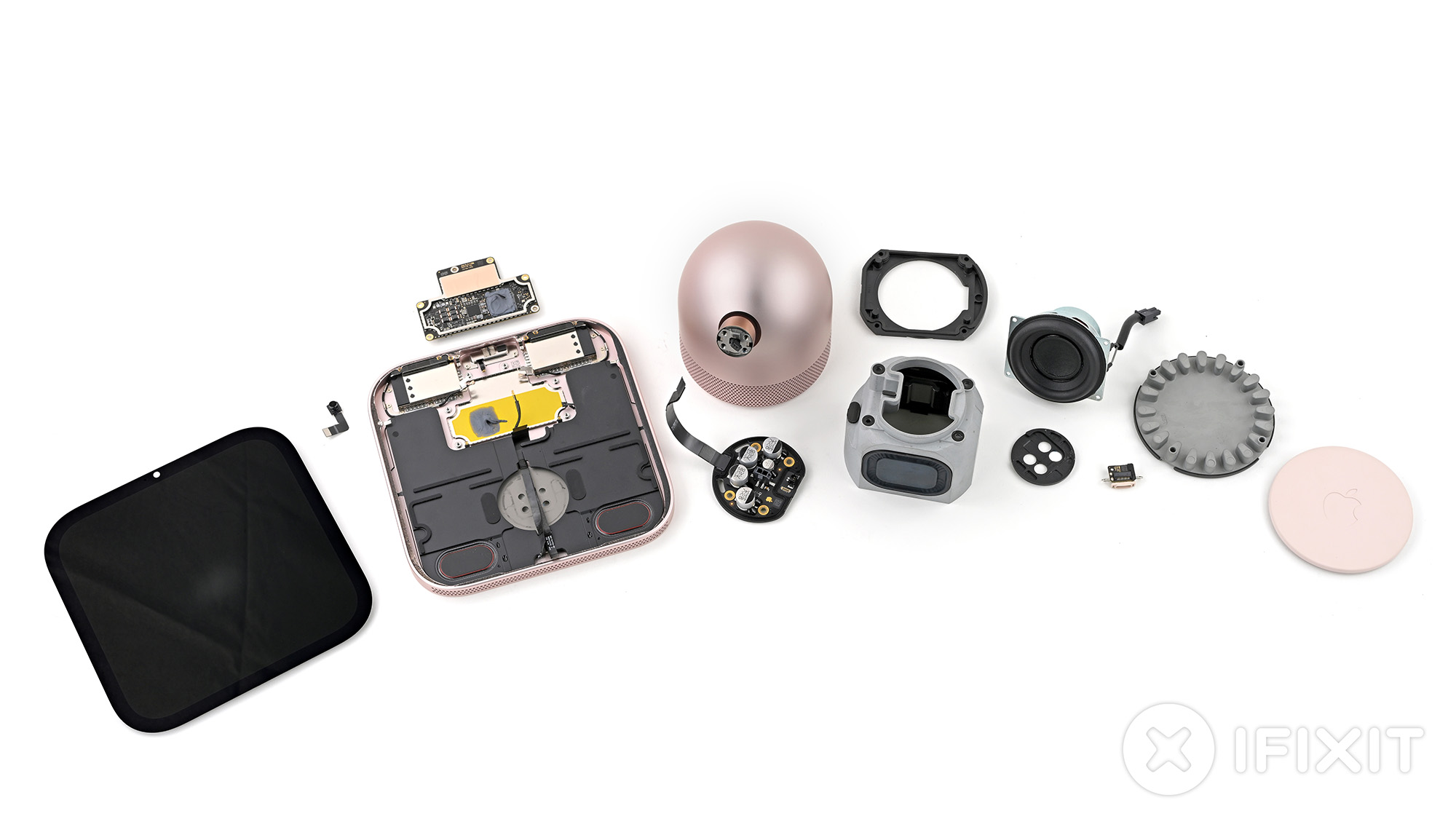 Figure: iFixit teardown showing the internal architecture and complete component layout of the Apple HomeView. Source: iFixit official teardown report.
Fragile Latches Meet Industrial Glue: Prying Snaps the Speaker Enclosure
The mismatched screws were merely a nuisance compared to the actual hardware damage caused by Apple’s internal connector choices. Disconnecting the logic board requires unplugging the left speaker ribbon cable. Technicians noticed a dab of glue over the edge of the plastic socket. When they scraped away the surface adhesive and tried to unlatch the connector, the delicate internal metal pins ripped right off, while the plastic shell remained stubbornly glued to the board.
This fragile style of connector is a known hazard across the repair industry. Similar delicate plastic latches have caused headaches on the Steam Deck’s haptic rumble boards and the M4 Mac mini’s power switch. On a desktop appliance designed to sit stationary for years, Apple’s engineering team chose to secure already brittle plastic connectors with high-strength glue.
The destruction did not stop there. Two sizable speaker chambers occupy most of the volume directly behind the display. As mechanical vibrating components, speaker drivers naturally degrade and distort over time. Under standard engineering practices, they should be straightforward to replace independently.
The teardown team injected generous amounts of isopropyl alcohol into the gaps beneath the speaker assembly. Solvent even seeped through the speaker mesh and dripped onto the workbench. Yet the thick double-sided adhesive pads beneath refused to budge. When the technician applied leverage with a metal pry tool, the tool itself bent under pressure, and the plastic speaker housing snapped clean in half.
Consumer electronics have long had mature solutions for mounting speakers. Mainstream laptops routinely secure acoustic drivers with screws and rubber vibration-damping grommets. Even in Apple’s own MacBook lineups, speakers rely only on light, easily peelable adhesive. Opting for permanent industrial bonding inside a stationary desktop device effectively eliminates any chance of non-destructive speaker repair.
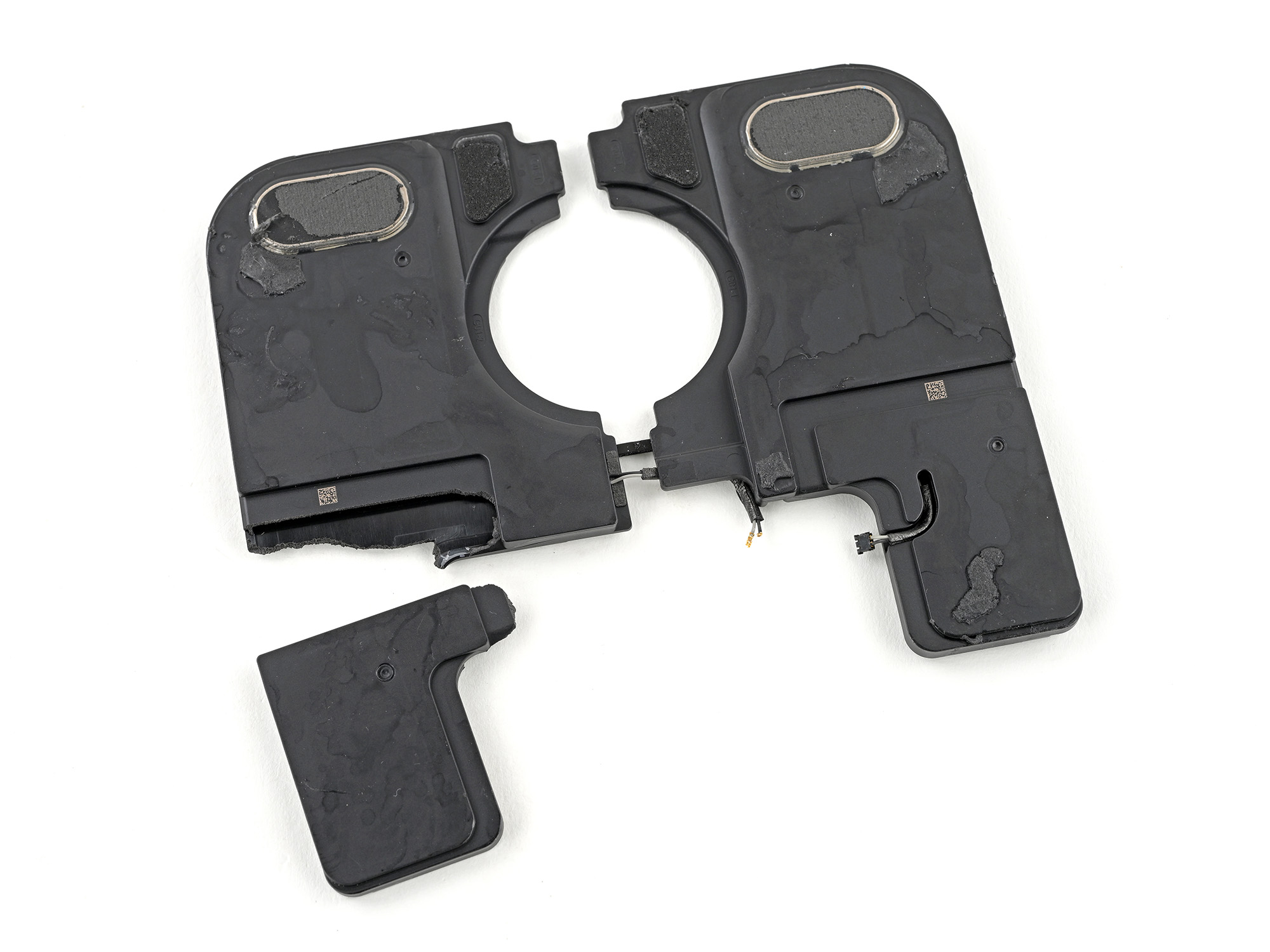 Figure: The HomeView speaker housing snapped in half during removal due to unyielding adhesive bonding. Source: iFixit official teardown report.
Aluminum Shell Doubling as Heatsink Glues Down Logic Board
With the cables and shattered speaker out of the way, extracting the central logic board proved equally hazardous. The top of the board is packed with Apple’s A18 processor, 8GB of SK Hynix LPDDR5X RAM, and 64GB of Kioxia NAND flash storage, all shielded by metal EMI covers and thermal grease.
After removing every visible mounting screw, the board remained rigidly locked in place. Hidden underneath the motherboard lies a secondary metal shielding plate. The entire space between this shield and the outer aluminum bottom shell is filled with high-strength thermal adhesive.
The engineering team effectively converted the entire aluminum enclosure into a giant passive heatsink. On an automated factory assembly line, applying thermal glue and pressing the parts together saves time and labor. But in an after-sales repair setting, prying the circuit board away from the metal housing risks tearing traces in the multilayer PCB or fracturing solder joints beneath surface-mounted chips.
The audio hardware elsewhere reveals similar excessive reliance on adhesives. While removing the dual side microphones was relatively painless, the third microphone situated at the top is housed inside a custom metal bracket. Engineers not only drove in mounting screws, but also laid down a layer of strong double-sided tape beneath the bracket—an unnecessary redundancy that significantly increases labor time for routine service.
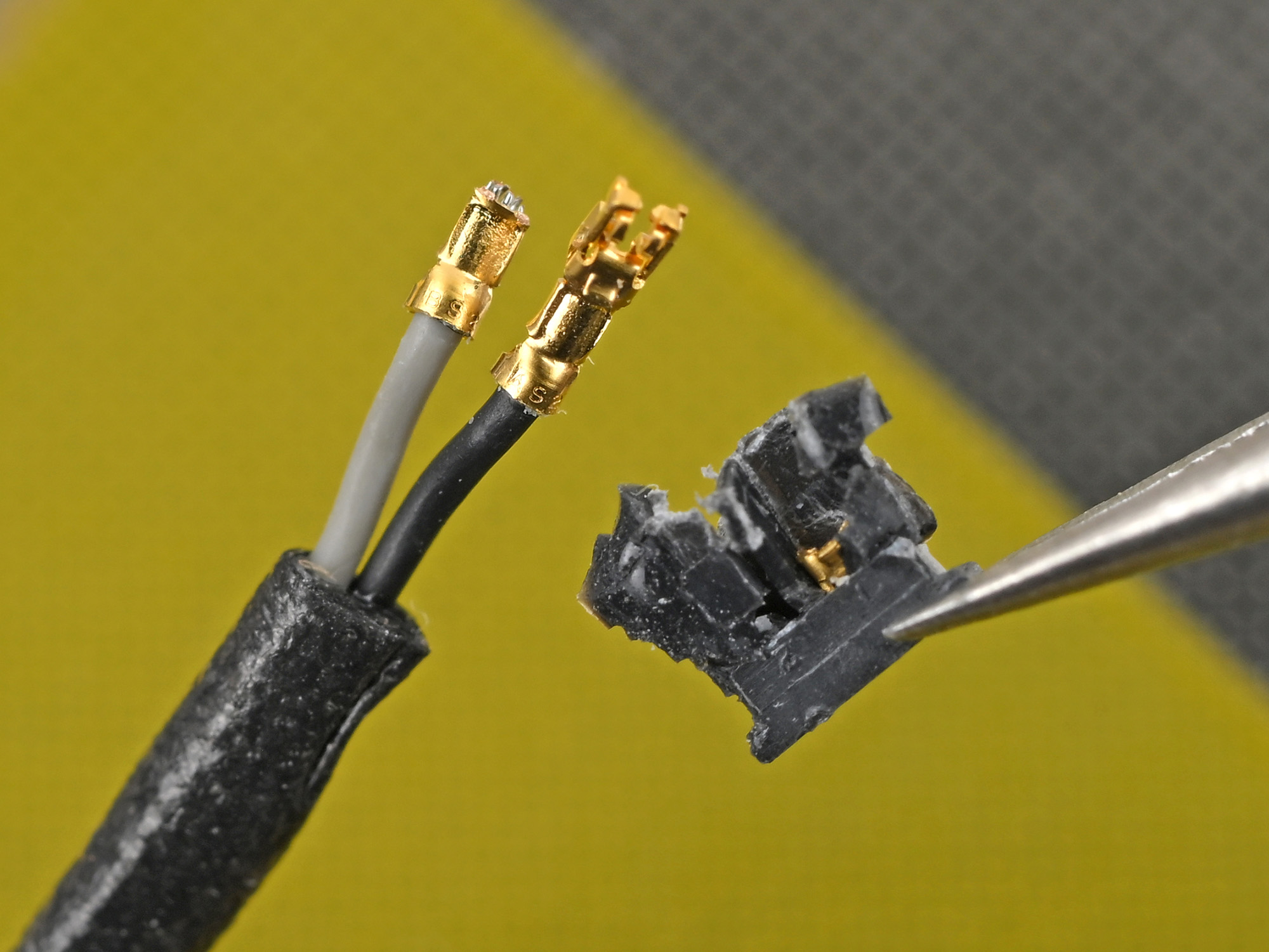 Figure: A fragile ribbon cable plastic latch torn and detached during disassembly. Source: iFixit official teardown report.
Modular Port in the Base, but an Inaccessible Hinge Blocks Repairs
In contrast to the chaotic layout of the display portion, the cylindrical base demonstrates much cleaner hardware craftsmanship. Peeling away the rubber foot at the bottom reveals four Torx screws securing the base cover. Along the perimeter of the plate sits an independent, fully modular USB-C port connected to the main circuitry via a dedicated ribbon cable—a design that clearly incorporates lessons learned from the second-generation HomePod.
The acoustic cavity inside the base is equally well-engineered. A rigid metal frame houses two passive radiators that leverage airflow from the woofer to deepen bass response. The internal power supply board can also be lifted out effortlessly after backing out a few screws, requiring no battles with industrial adhesives.
However, the base engineering falls short on cable management. The wiring harness connecting the woofer to the logic board offers virtually zero slack. Technicians struggled to maneuver tweezers into the tiny gap to unlatch the connector, making reconnection during reassembly even more precarious—especially frustrating given how much empty volume Apple had available inside the base.
The most formidable repair roadblock lies in the central swivel hinge that bridges the screen to the base. The Torx screws securing the hinge assembly are coated in heavy thread-locking compound and buried deep inside an angled, cramped cavity. A standard screwdriver cannot achieve a straight approach, forcing technicians to use a specialized low-profile right-angle ratchet.
On the factory line, the interconnect cable is routed through the hollow hinge pivot before the screws are tightened down. Anyone wishing to replace just the base or the screen must first dismantle the delicate screen assembly. If that interconnect ribbon cable tears, the entire device becomes a total loss.
Compact Integration Trumps Lifespan: Desktop Tech Shouldn’t Be Disposable
The engineering choices in the HomeView have spurred heated debate. Proponents of tight integration argue that a smart home hub resides permanently on kitchen countertops or living room side tables. A kitchen environment exposes electronics to steam, moisture, and cooking grease. Heavy adhesive gaskets create a hermetic seal against environmental humidity. Solidly gluing down speaker drivers also prevents high-volume acoustic vibrations from backing out screws over years of use.
Yet that perspective disregards the actual lifecycle of home appliances. Unlike smartphones upgraded every year or two, consumers expect a stationary smart home display to operate reliably for five years or more. Speaker cones inevitably fatigue and distort, and touchscreens in kitchens are prone to accidental drops or impacts. Sealing core components inside metal shells with industrial glue merely shifts the burden of planned obsolescence onto consumers.
This regression directly contradicts Apple’s recent public commitments to repairability. In the iPhone 16 family, Apple introduced electrically debondable adhesive that frees the battery in seconds under a low voltage current. Across the latest iPad Pro and Mac mini lines, modular assemblies have become the norm.
With the HomeView, however, repairability metrics seem to have been pushed entirely off the agenda. To attain a seamless, compact aesthetic and shave seconds off assembly lines, the engineering team reverted to the glue-heavy assembly methods of a decade ago. When an expensive piece of desktop hardware can only be scrapped entirely upon component failure, the price of seamless minimalism is simply too high.
Reference Links:
- iFixit Teardown Report
- Lumafield Industrial CT Scan Analysis
- Apple Official Technical Specifications