Accessing Local History Across Sessions: Siri Fills in Context from a Week Ago
On October 26, 2026, Apple pushed iOS 27.2 and macOS Golden Gate 27.2 to the public. After months in beta, Siri AI equipped with persistent memory is officially live. Users can wake up the voice assistant and follow up on a restaurant discussed last week or retrieve an itinerary drafted three days earlier.
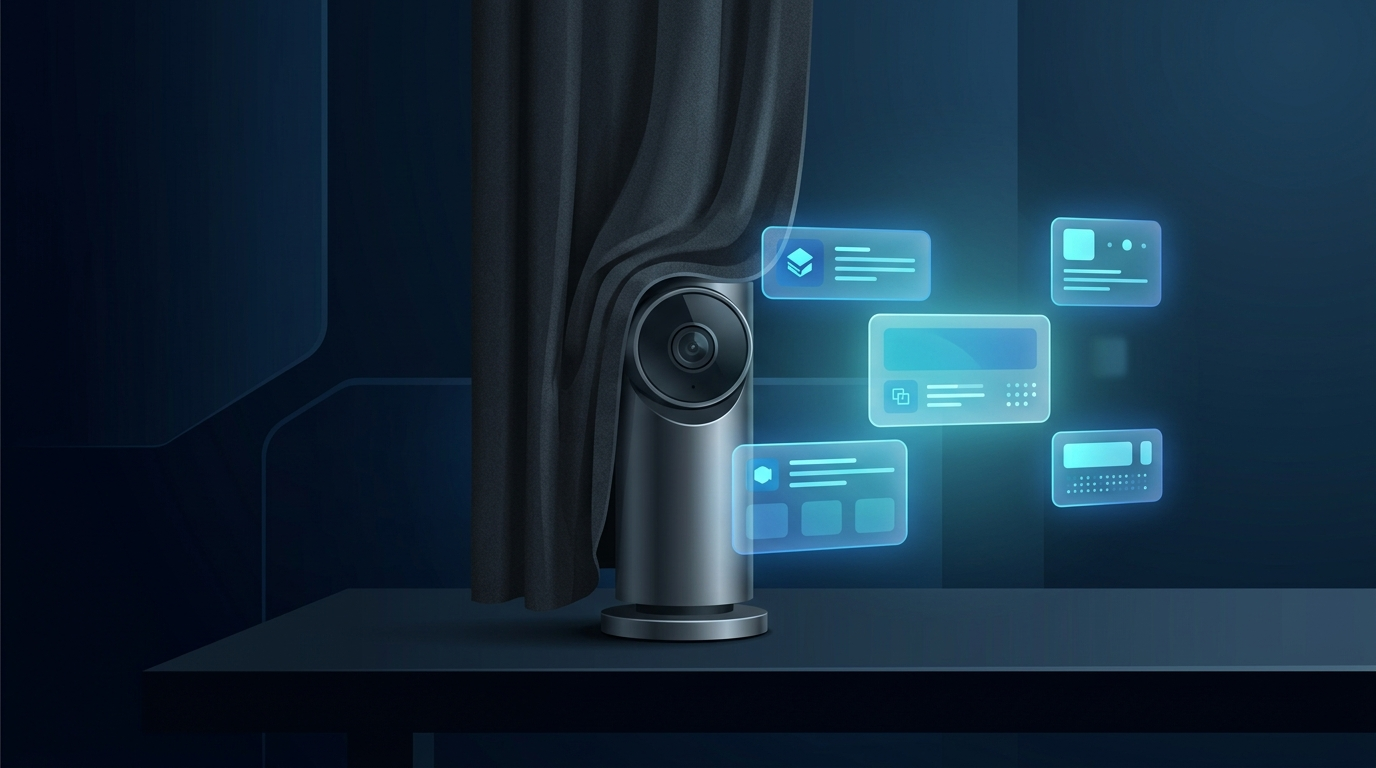
Traditional voice assistants operated on a stateless, use-and-forget basis. Older versions of Siri reset their state after every interaction, incapable of linking back to prior conversations. The new release remedies this flaw. Apple stores encrypted conversation snapshots locally, giving the on-device model temporal associative capabilities. The retrieval scope is also expanding: voicemails, SMS attachments, calendar attendees, and Safari reading lists are now all indexed.

Figure: The redesigned Siri AI interface in iOS 27.2. The system grants the voice assistant access to cross-session memory and personal context. Source: Ars Technica (System Screenshot)
Hardware requirements remain strictly enforced. Full Siri AI memory capabilities require an iPhone 15 Pro, iPhone 15 Pro Max, or any device in the iPhone 16 lineup. 8GB of unified memory is the baseline requirement. An on-device assistant with persistent memory is no longer a disposable tool; it becomes a resident personal archive.
Interaction granularity has sharpened in tandem. After generating lengthy responses, users can tap and hold the cursor to grab specific paragraphs rather than copying everything wholesale. Messages now feature contextual actions: when a friend mentions plans for dinner, a one-tap shortcut to create a calendar event immediately surfaces on screen.
Centralized Exclusion List: Apple Hands App Access Control Back to Users
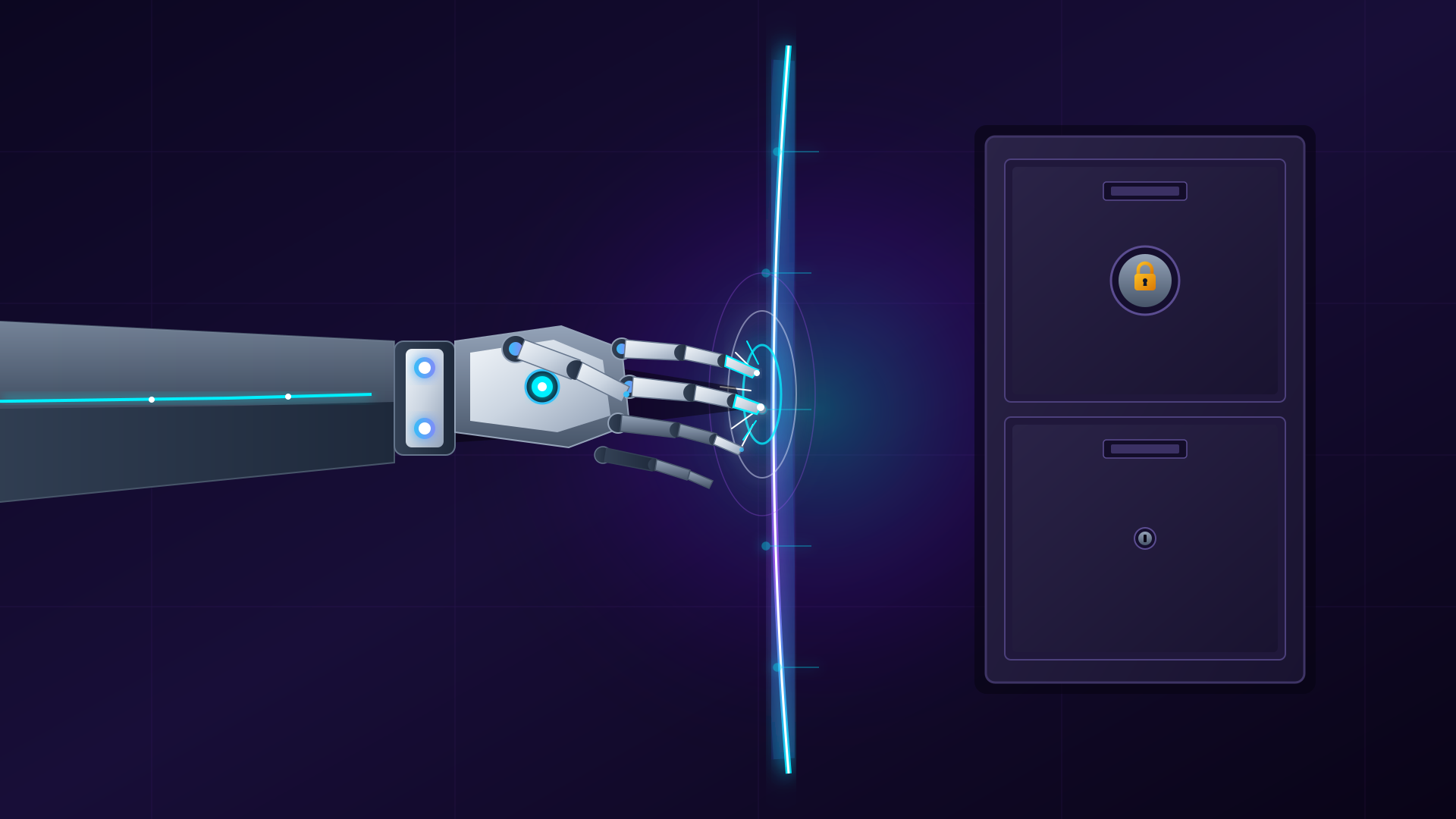
As on-device permissions dig deeper, privacy concerns naturally compound. To counterbalance the large model’s inquisitiveness, Apple introduced a dedicated “Excluded Apps” panel in Settings. This centralized view lists all installed software. Users simply toggle individual apps to block Siri, Spotlight Search, and system suggestions from reading their records.
Previously, privacy toggles were scattered across fragmented submenus. Disabling intelligence indexing for an app required navigating four to five layers deep to toggle off granular settings like “Show in Search” and “Learn from this App.” The multi-step friction was so high that most users simply defaulted to broad access. The new unified panel brings every app into a single view: one switch immediately severs the data pipeline.
This tradeoff exposes the inherent friction of the on-device strategy. Cloud-based models train on massive public internet datasets, granting them powerful generalized reasoning. Apple, betting heavily on on-device privacy, relies on local text messages, emails, and call logs to feed compact models. If users suspect their private conversations are being scrutinized without boundaries, that fundamental trust evaporates.
Establishing a single exclusion list serves as Apple’s defensive strategy to alleviate privacy anxiety through deliberate isolation. Apple aims to place control back into user hands. The silicon can quietly comprehend daily life in the background, but the authority to draw boundary lines belongs strictly to the device owner.
Community reception has been mixed. Privacy enthusiasts and power users praise the clarity of the switch, noting that banking and encrypted messaging apps no longer need to expose their contents to the assistant. Automation purists, however, note that aggressive exclusions degrade the experience: once an app is blacklisted, Siri regularly hits context dead ends and fails to surface relevant schedules.
Physical Mineral Oil Churns a Design Shift: Tangible Crafting Counters AI Ubiquity
Visual language is evolving alongside the software architecture. iOS 27.2 debuts a refreshed Apple Music icon. The longstanding flat red double-eighth-note insignia has been retired, replaced by a fluid glass emblem with dimensional refractions.
Notably, Apple did not turn to an AI diffusion model to spit out a new render. The design team returned to a physical soundstage. They poured high-viscosity mineral oil into an acrylic tank fitted with tactile transducers at the base. Acoustic sound vibrations propagated across the fluid surface, producing intricate physical waveforms. Cameras captured these organic lighting shifts on film before designers polished the frames by hand.
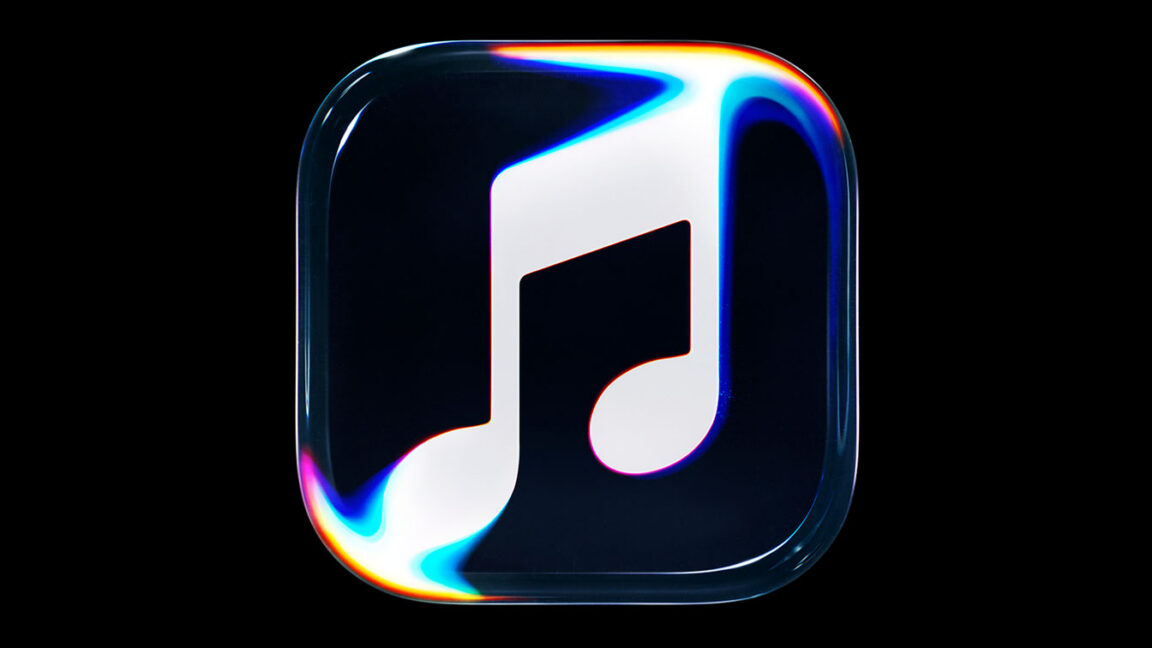
Figure: The new fluid-glass Apple Music icon. Apple created the visual asset using physical mineral oil tanks and transducers captured on camera. Source: Ars Technica (Official Demo)
The behind-the-scenes documentary sparked widespread discussion. In an era where algorithmically generated imagery costs next to nothing, investing heavily in physical cinematography looks counter-intuitive. In a landscape saturated with generative content, deliberate traces of human craftsmanship become the ultimate luxury differentiator.
At the same time, guardrails against synthetic media are hardening. The Photos app in iOS 27.2 integrates Google’s SynthID watermarking standard. Whenever an image is retouched or generated by AI tools, an indicator badge appears in its metadata inspector. Apple provides an on-device Image Playground while strictly policing misleading imagery beneath the surface, preventing the photo library from losing its authenticity.
The physical icon shoot and SynthID watermarking are two sides of the same coin. When algorithms can fabricate imagery at will, an obsessive commitment to the textures of the physical world becomes Apple’s way of defending its aesthetic threshold.
Five New Languages Locked In: European and Chinese Markets Remain Excluded
Language localization highlights Apple’s rollout cadence. iOS 27.2 adds five languages to Siri AI: French, Japanese, Korean, Brazilian Portuguese, and Spanish. The multimodal on-device assistant is reaching broader demographics worldwide.
Regional gatekeeping, however, remains rigid. Apple’s release notes make it clear: Siri AI remains unavailable across the European Union and Mainland China. Missing out on flagship functionality in key markets directly dampens consumer enthusiasm for new hardware.
The hurdle lies in conflicting regulatory frameworks. The EU’s Digital Markets Act (DMA) imposes strict interoperability demands. Opening Apple’s Private Cloud Compute infrastructure to third parties risks compromising its privacy architecture, while keeping it walled invites hefty antitrust fines. Faced with this dilemma, Apple opted to postpone European deployment.
In Mainland China, generative AI models must undergo state security reviews and domestic model registration. Apple’s hybrid cloud-device framework cannot simply be mirrored overseas without localized partners. Negotiations with domestic cloud providers and foundation model vendors remain ongoing, making simultaneous release unattainable in the short term.
Hardware carries globally uniform price tags, yet software capabilities are increasingly fractured. Regulatory boundaries enforced by local legal regimes are fracturing the unified experience consumer tech giants once promised. As geographic feature gaps calcify, Apple has no choice but to navigate an increasingly fragmented ecosystem.
Gestures Under the Hood: Desktop Silently Lays Groundwork for Touch
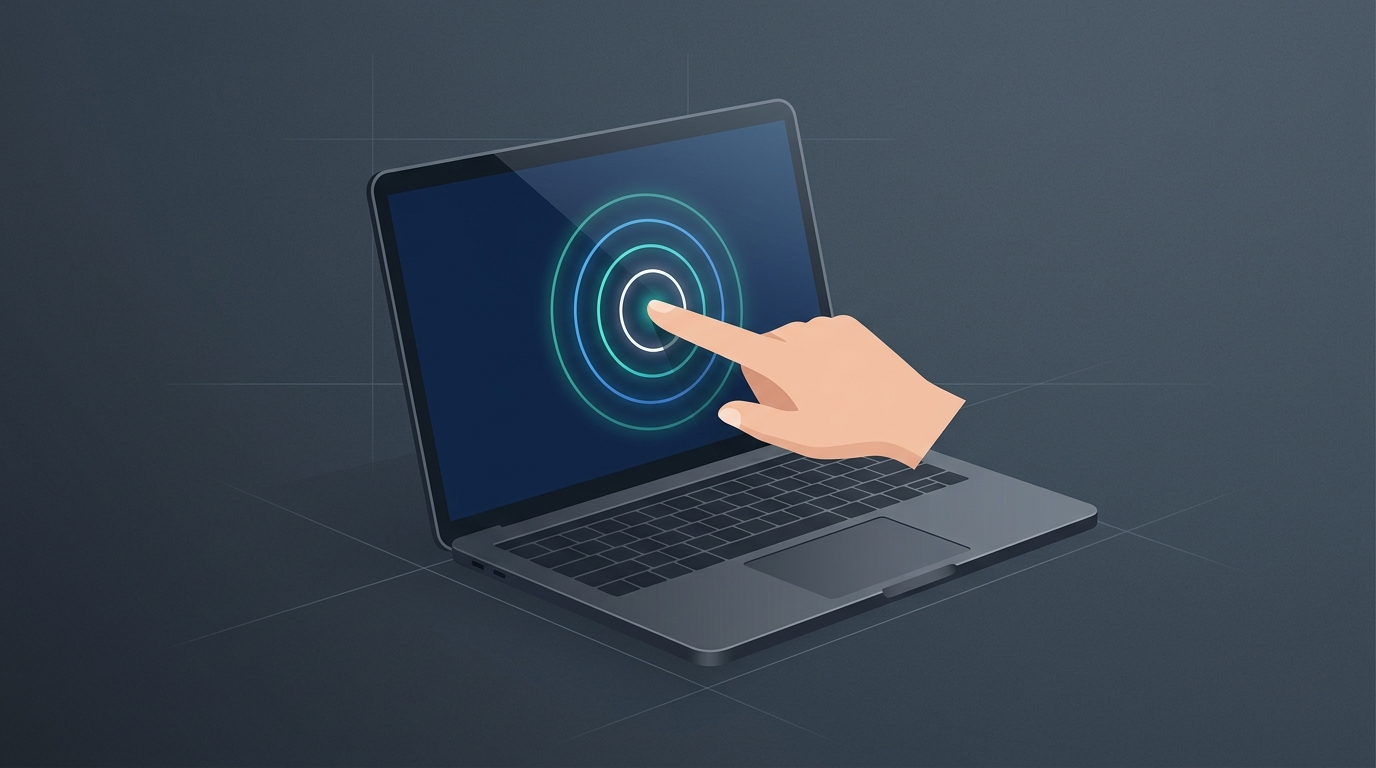
Over on the Mac, macOS Golden Gate 27.2 reveals intriguing clues. Public beta builds include newly introduced multi-touch and hover gesture APIs embedded into views across Photos, Notes, and Safari.
Supply chain reports and industry reporting have long pointed to Apple equipping upcoming MacBook Pro models with touch-capable OLED panels. macOS has stayed loyal to mouse-and-keyboard paradigms for decades. Embedding tap, pan, and pinch gesture listeners directly into the application layer serves as unmistakable foreshadowing.
A touch-ready framework also doubles as an interaction bridge for on-device AI. Siri AI on the desktop integrates deeply with Spotlight and contextual menus, allowing users to lasso on-screen elements to trigger instant queries. If users can touch and manipulate items directly on the glass, multimodal information retrieval becomes substantially more fluid.
From conversation memory to exclusion toggles, physical icon photography to nascent desktop touch APIs, iOS and macOS 27.2 reflect measured restraint. Rather than chasing raw parameter sizes, Apple’s engineering teams focused on carving privacy perimeters and isolating sensitive personal data. Striking that delicate equilibrium between capability and defense remains Apple’s primary lever for retaining high-end user loyalty.
References:
- Ars Technica Coverage
- Apple Newsroom Official Press Release
- Ars Technica Design Column