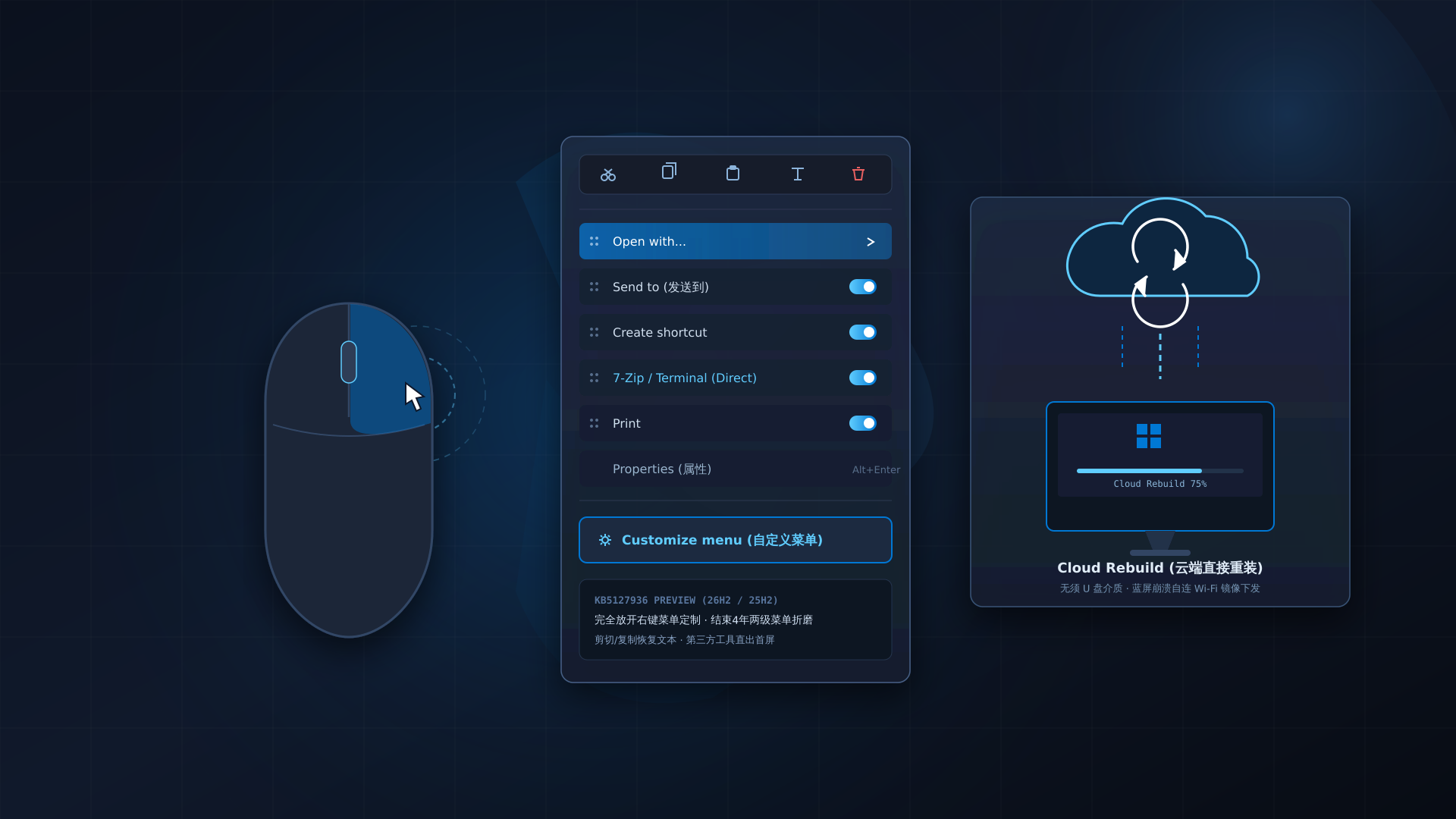
On October 28, 2026, Microsoft rolled out Windows 11 cumulative update preview KB5127936. After four years of user backlash and registry hacks, the company quietly added a “Customize menu” option directly within System Settings. The change allows users to reconfigure which commands appear on File Explorer’s right-click context menu and customize their hierarchy.
Corporate financial disclosures released during the same period shed light on the economic pressure behind this shift. Windows OEM revenue—the licensing business tied directly to PC shipments—tumbled 27% year-over-year. Faced with cooling consumer appetite for new hardware, Microsoft’s four-year push to reinvent the desktop has finally conceded to user muscle memory.
Four Years of Two-Tier Menus: Millions Forced into an Extra Click
When Windows 11 debuted in 2021 with build 22000, its most controversial overhaul targeted File Explorer’s context menu. The development team redesigned an interaction model that had remained stable for decades. Fundamental operations were compressed into textless icon buttons across the top, while third-party application extensions were banished into a secondary nested menu.
Invoking an archive tool or launching an external code editor required an extra click on “Show more options,” or pressing Shift + F10 to summon the legacy menu. What used to be a reflexive, single-click action turned into repetitive friction. While Microsoft argued the new architecture eliminated explorer freezes and latency, hundreds of millions of users were left paying an extra click tax every day.
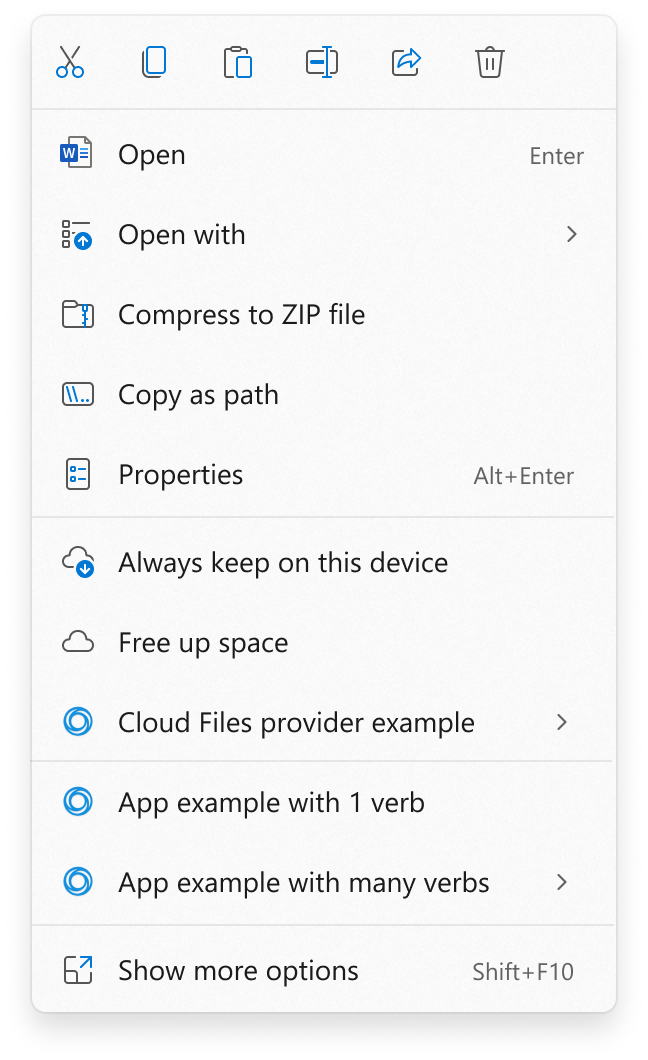 Fig: Windows 11 context menu turns commands into icons while third-party extensions are pushed into a nested menu. Source: Ars Technica.
Power users and IT professionals quickly turned to unofficial workarounds. Registry scripts restoring classic context menus circulated widely across forums, while third-party enhancement utilities like StartAllBack surged in popularity. Over the past four years, Microsoft repeatedly patched out these registry workarounds to protect its visual consistency. A quiet tug-of-war over desktop control persisted between users and the operating system.
That impasse ultimately eroded user goodwill. Enterprise IT departments delayed fleet migrations, while casual consumers opted to stay on older versions. The heavy-handed design update failed to win hearts; instead, its unintuitive nesting became a subtle barrier to system adoption.
KB5127936 Loosens the Reins: Cut and Copy Return to Text Labels
The newly released KB5127936 preview applies to both Windows 11 25H2 and 26H2 releases. The update embeds a dedicated “Customize menu” link directly at the bottom of the right-click menu, opening straight into a Settings panel. Here, Microsoft has granted generous room for personalization.
High-frequency actions can now ditch their compact icon tray in favor of traditional text rows. Toggling the corresponding option reinstates Cut, Copy, and Paste as standalone text entries. Core actions are no longer crammed into a narrow top row, and the Properties dialog can once again be pinned directly to the bottom.
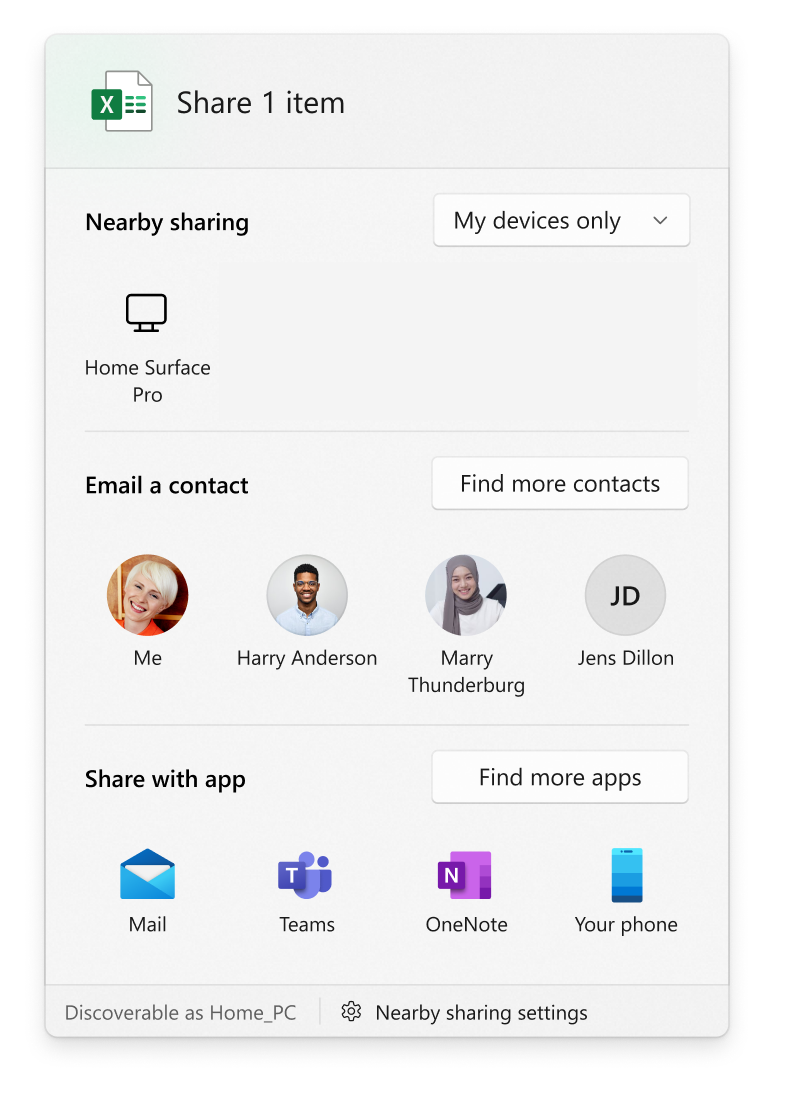 Fig: Clicking “Show more options” to bring up the full legacy context menu. Source: Microsoft Windows Official Tech Blog.
Third-party extensions are also freed from artificial confinement. Users can designate preferred tools to surface directly on the top-level menu, or hide the nested third-party flyout entirely. Built-in system commands can be toggled on demand—items like “Send to” and “Create shortcut” can be shown or hidden at will.
With this toggle suite, Microsoft executed an orderly retreat. The modern UI shell remains intact by default, leaving newer workflows undisturbed. Yet for power users reliant on established muscle memory, the old operational speed is instantly restored.
USB-Free Cloud Rebuild: WinRE Connects via Wi-Fi to Pull Images
Beyond context menu customization, KB5127936 introduces an essential maintenance overhaul: Cloud Rebuild. When an unbootable system cannot reach the desktop, the feature can pull recovery images straight from Microsoft’s cloud, eliminating reliance on local recovery partitions or external USB installation drives.
The Windows Recovery Environment (WinRE) gains low-level networking capabilities. When repeated boot failures push the PC into rescue mode, WinRE can automatically reuse stored Wi-Fi credentials. Enterprise wireless networks configured with certificate authentication are also supported, establishing encrypted connections without manual password entry.
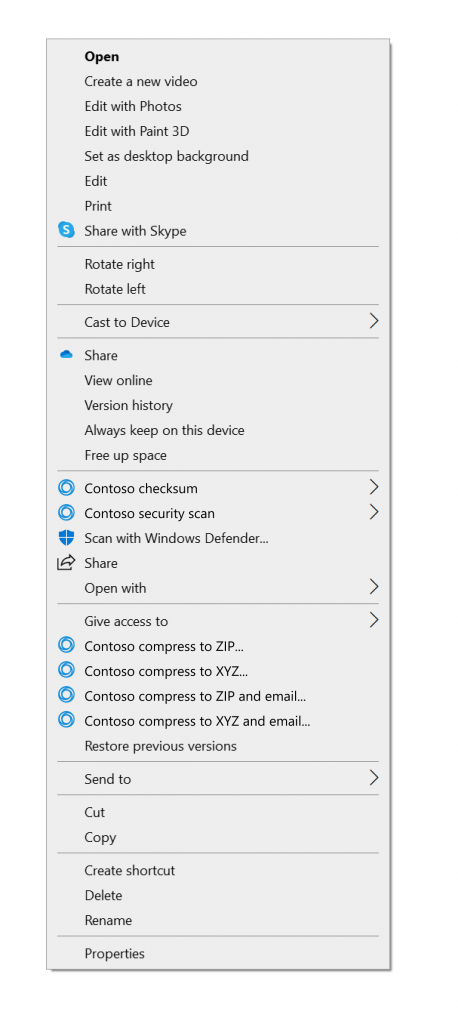 Fig: Legacy context menus grew excessively long due to unmanaged third-party extensions. Source: Microsoft Windows Official Tech Blog.
After probing hardware configurations, the recovery module fetches matched official images and system-specific drivers directly from Windows Update infrastructure. The process also integrates hardware-level Drive Sanitization, allowing deep sector wiping before the image is written.
Targeted at severe system failures, Cloud Rebuild acts as a clean reset. Existing files and applications are wiped, underscoring the ongoing need for regular cloud backups. For enterprise administrators, recovery tasks can be triggered remotely via the Recovery CSP, significantly reducing on-site IT dispatch overhead.
OEM Revenue Down 27%: PC Market Chill Compels Microsoft to Yield
Microsoft’s ergonomic retreat reflects sobering realities across the PC industry. First-quarter earnings for fiscal year 2027 showed total corporate revenue reaching $92.3 billion. Microsoft Cloud alone generated $63.9 billion, climbing 30% year-over-year and accounting for nearly 70% of total company revenue.
In stark contrast, the Windows OEM division suffered a severe drop. Revenue from preinstalled OEM licenses fell 27% year-over-year (28% in constant currency). Total revenue across More Personal Computing, which includes Surface hardware, slid 22%.
During the earnings call, CFO Amy Hood acknowledged that the wave of upgrades driven by legacy OS retirements had run its course. Compounded by channel inventory digestion, consumer demand at retail remained muted. Management cautioned that this weakness would likely persist throughout the fiscal year.
With hardware shipments no longer providing momentum for OS upgrades, retaining the loyalty of existing users has become paramount. When PC replacement appetites cool alongside hardware sales, imposing friction-heavy UI overhauls only amplifies resistance.
The End of Desktop Inflexibility: Returning Control Over Imposing Change
Looking back at Windows 11’s initial goals four years ago, Microsoft’s rationale was not without engineering merit. Legacy context menus loaded third-party DLLs in-process. Poorly coded shell extensions could easily delay menu rendering or crash Explorer entirely. Imposing a stricter architectural boundary was an understandable engineering goal.
Yet the heavy-handed two-tier solution miscalculated the friction costs of human-computer interaction. The design team overlooked the subconscious micro-actions users build over decades of daily workflows. Every extra hover and click taxed user patience. Elevating interface tidiness above daily productivity reflected classic engineering complacency.
The unbundling of context menus and the arrival of Cloud Rebuild reflect a recalibration in Microsoft’s desktop strategy. Rather than forcing counter-intuitive revamps onto fundamental workflows, engineering effort is better spent minimizing daily friction and enhancing system resilience. An operating system should never wage war on user muscle memory. Returning choice to the user is the hallmark of a mature tool.
Reference Links:
- Ars Technica: Microsoft fixes a Windows 11 annoyance as PC revenue declines
- Microsoft Support Knowledge Base: October 28, 2026—KB5127936 Preview
- Microsoft Investor Relations: FY27 Q1 Quarterly Financial Results
- Windows Official Blog: Extending the Context Menu and Share Dialog in Windows 11