Start with one line of code. It sits in the string resources of Samsung’s Personal Agent Core (PAC) app, dug up by Android Authority in an exclusive teardown published November 15:
<string name="pac_connector_phone_description">Make and manage calls</string>“Make and manage calls” — voice assistants have spent their entire existence teaching humans how to place calls. This string requests permission for Galaxy AI to dial on its own. What Android Authority found inside the PAC app is the outline of a new experience with the internal codename Galaxy Claw, based on clues shared by The Cipher Project on Telegram.
Let’s set the boundaries first: this is work-in-progress code. Android Authority explicitly notes that predictions based on teardowns may never ship, Samsung hasn’t confirmed the feature, and there’s no timetable or device compatibility list. A teardown can reveal direction, not shipping commitments. But the direction alone carries plenty of signal.
Nine Connectors, All Described With Action Verbs
PAC introduces itself in plain language. Two strings nail down its positioning:
<string name="pac_settings_main_description">Personal agent core helps Galaxy AI complete tasks for you by working with apps and tools across your device and connected services.</string>
<string name="pac_connector_consent_description">Personal agent core helps Galaxy AI complete tasks for you by connecting it to the apps and tools installed on your phone.</string>
Personal Agent Core is positioned as a middle layer that helps Galaxy AI invoke apps, tools, and connected services on the device to complete tasks. The real payload is in the connector list: nine entry points, each description mapping to a category of sensitive permissions.
| Connector | String name | Permission description (verbatim from APK) | Action implied |
|---|---|---|---|
| Calendar | pac_connector_calendar_description | View, create, and manage events | Create, edit, delete events |
| Contacts | pac_connector_contacts_description | View and manage contacts | Read and write contacts |
| Gallery | pac_connector_gallery_description | View photos and videos | Access photos and videos |
| Gmail | pac_connector_gmail_description | View and manage email | Read and manage email |
| Messages | pac_connector_message_description | View and send messages | Read and send texts |
| Notifications | pac_connector_notifications_description | View notifications | Read notifications |
| Perplexity | pac_connector_perplexity_description | Search the web | Web search |
| Phone | pac_connector_phone_description | Make and manage calls | Place and manage calls |
| Voice Recorder | pac_connector_voice_recorder_description | Record and manage audio | Record and manage audio |
Read the nine descriptions and the verbs do the talking: view, create, manage, send, make, record. Android Authority’s read on this wording is blunt — Galaxy AI is calling these apps to take actions, with information retrieval as a side effect. A Q&A assistant gives you advice about your calendar; an agent creates the event for you. The line between the two product categories is drawn right here.
In Android Authority’s framing, on Samsung phones and tablets, the old flow — ask an assistant how to do something, then hop between apps yourself — collapses into a single request. Perplexity’s presence on the list is another signal: Samsung doesn’t build its own web search, so it bolted a third-party AI search on as a tool, described in three words: Search the web. In an agent architecture, tools can be bought off the shelf; the real assets are the permission model and task orchestration.
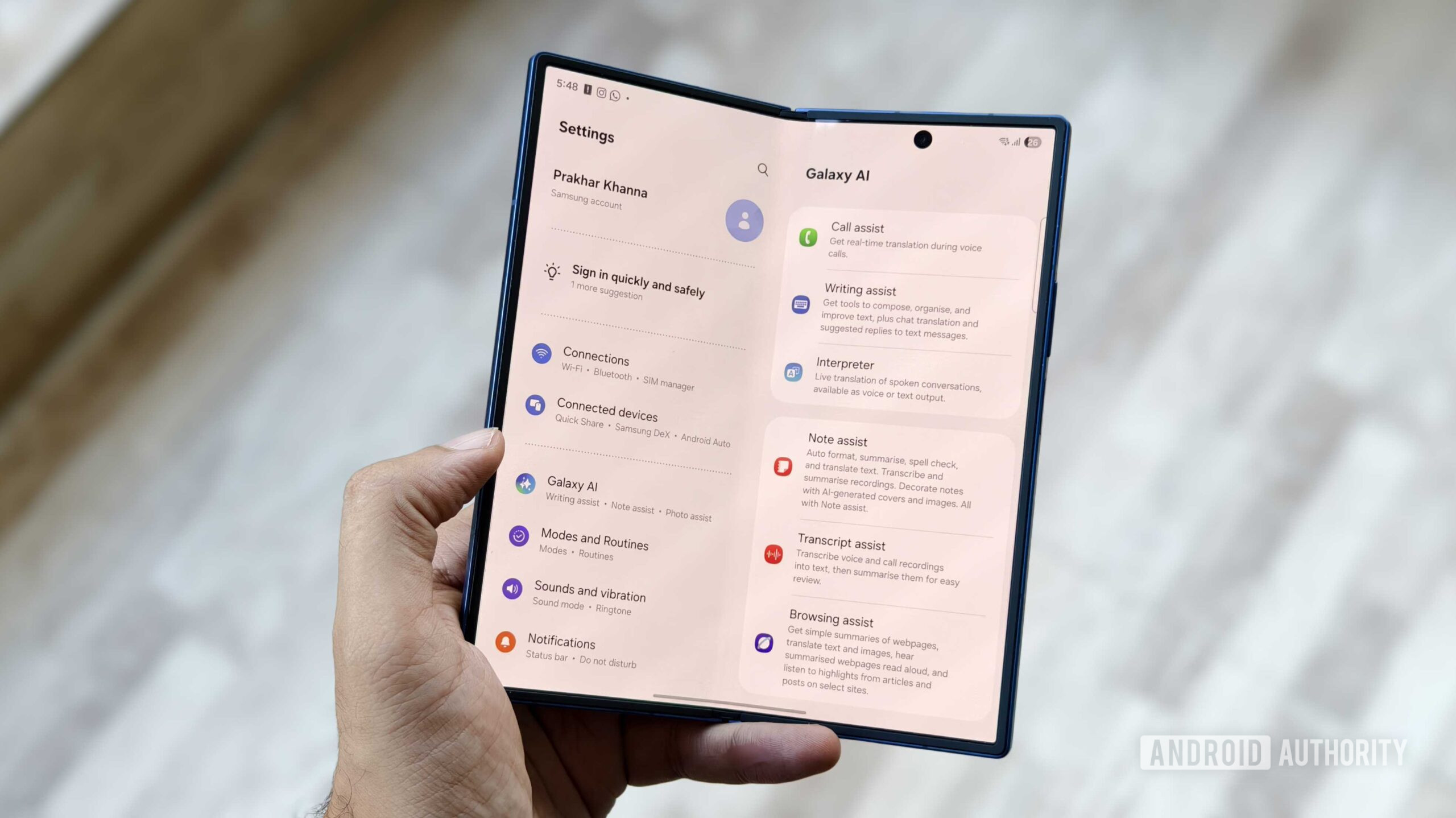 Image: Samsung Galaxy on-device AI interface. If Galaxy Claw ships along the lines the code suggests, connector authorization and task execution would happen inside system-level AI sessions like this one. Source: Android Authority
Scheduled Tasks Teach Galaxy AI to Work on a Clock
Scheduled tasks are the closest-to-finished piece in this teardown. Setup offers two paths: describe what you want in chat, or fill out a form manually. The chat path ships with this system prompt:
<string name="scheduled_task_chat_setup_prompt">Help me set up a scheduled task. Ask me what the task should do, how often it should run, and when it should run, then create it.</string>That text is written for Galaxy AI itself: confirm with the user what the task does, how often it runs, and when it runs, then create it. The configuration flow is AI-driven — the user states the need, the AI asks follow-up questions, then files the task automatically. The manual path asks you to fill in the name, instructions, and recurrence rules yourself.
Recurrence options cover hourly, daily, weekdays, weekly, and custom intervals — essentially a cron (the Unix world’s job scheduler) for your AI, with the config screen swapped for a conversation. The management surface is even more convincing: run history, next run time, run now, rename, edit, delete, pause and resume. Everything an automation feature needs is present. This goes well beyond a proof of concept; Samsung is polishing automation to product grade.
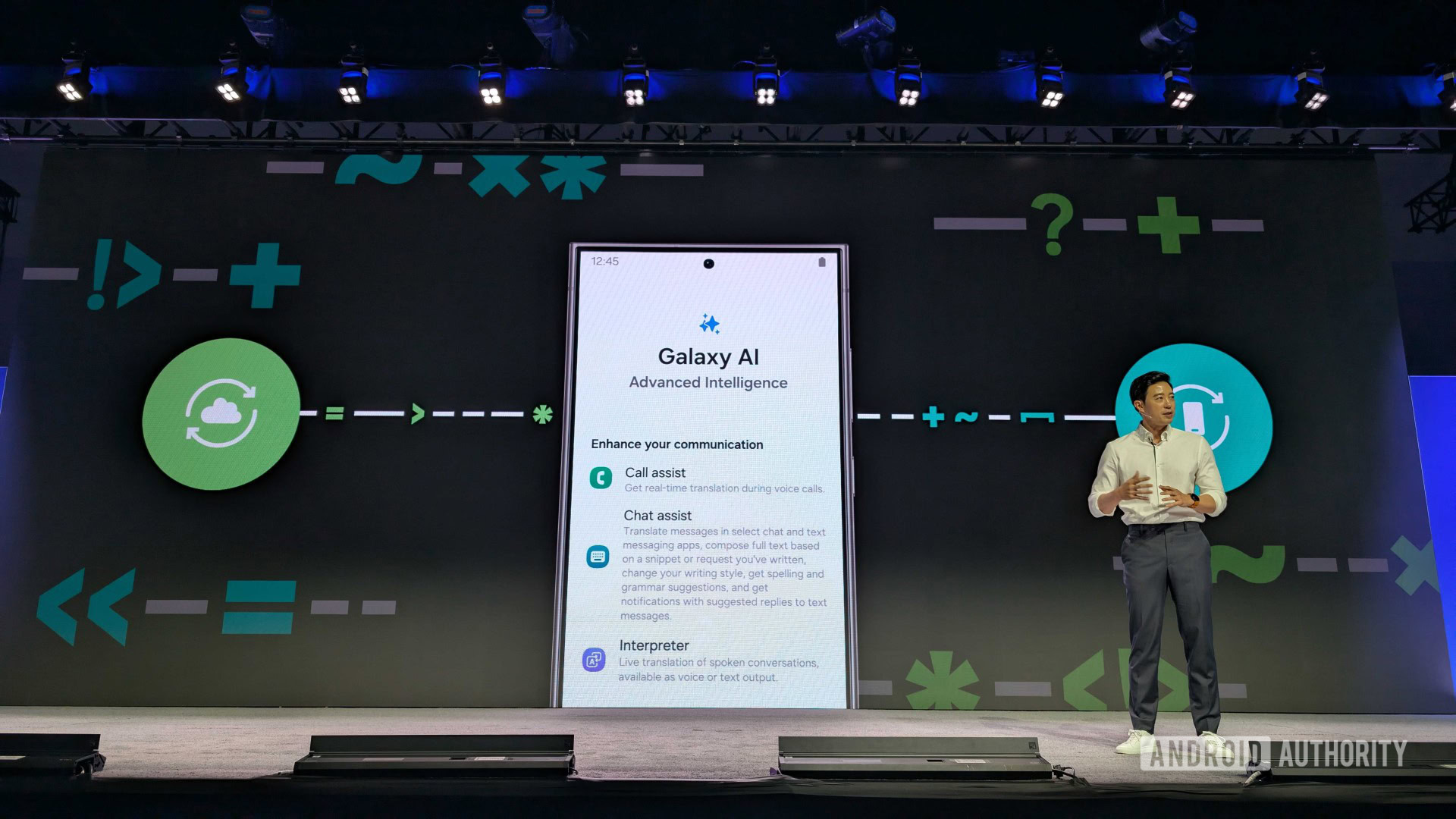 Image: Samsung Galaxy AI promotional material. Measured against the connector list in the code, the official narrative still centers on Q&A and generation — the execution layer hasn’t made it onto the marketing page. Source: Android Authority
A Battery Saver Warning Reveals Where the Execution Happens
There’s one unassuming warning string in the teardown. It’s more honest than any marketing copy:
<string name="scheduled_task_device_notice">This task runs on this device. Runs may be delayed while battery saving is on.</string>Tasks run on the device itself, and may be delayed while battery saver is on. That line reveals that Galaxy Claw relies at least partly on on-device processing or execution — tasks don’t have to route through Samsung’s servers. The scheduler also has to coexist with Android’s power management, and battery-saving policy takes priority over automation.
That’s a win for the privacy story: execution stays local, and sensitive data like calendars, contacts, and texts make one fewer trip to the cloud. The trade-off is equally clear — automation has to fight battery saver for resources, and your morning briefing might arrive a few minutes late. On-device execution buys privacy, and picks up the bill for latency and power.
Daily Brief, Device Cleaner, Travel Planner Share the Same Namespace
Four peripheral features also surface under the Galaxy Claw namespace. The component title strings, verbatim:
<string name="galaxyclaw_title_daily_brief">Daily Brief</string>
<string name="galaxyclaw_title_device_cleaner">Device Cleaner</string>
<string name="galaxyclaw_title_pac_widget">Widget</string>
<string name="galaxyclaw_title_travel_planner">Travel Planner</string>
Daily Brief is the natural landing spot for scheduled tasks — a summary generated at a fixed time each day, slotting neatly into the hourly-to-custom scheduling framework. The Widget puts the task entry point on the home screen. Travel Planner has the widest imagination space: itinerary planning needs calendars, photos, and web search at once — exactly three connectors already on the list.
Device Cleaner is the most interesting on its own. Android cleanup features have always stopped at the suggestion stage: a popup warns storage is low, a list shows what could be cleared, and a human always pulls the trigger. Grouping it into the Galaxy Claw component list implies Galaxy AI will execute the cleanup itself. Another feature moving from “tell the user” to “do it for the user.”
The Code Is Being Tested; the Launch Is Not Promised
Android Authority drew the boundaries at the top of its report: this is in-development code, and feature predictions based on an APK (Android Package, the Android app installer format) teardown may never reach a public release. Samsung hasn’t confirmed Galaxy Claw exists, offered no timetable, and published no device compatibility list. Until now, Galaxy Claw had only surfaced in rumors about the Galaxy AI Premium subscription service — this batch of strings makes the outline a little sharper, and that’s all.
The real gate is permissions. All nine connectors request sensitive categories — contacts, messages, call logs, audio recording, photos — each of which faces separate review under Google Play’s permission policy, plus another layer of privacy regulation in European markets. Strings in an APK mean engineering is moving forward; whether it reaches users depends on permission review and privacy legal, and code can’t clear those gates.
The most valuable thing in the Galaxy Claw code is that connector list: nine entry points mapped to nine categories of daily tasks, scheduled tasks stringing them into repeatable workflows, and a battery saver warning pinning execution to the device. The Q&A era has reached diminishing returns for every player; the moat for agentic AI is now permissions and trust. Samsung has buried the interfaces inside a system app. The question left is whether it dares let Galaxy AI press the call button for its users.
References:
- Android Authority teardown: Samsung’s Galaxy Claw is no longer a mystery, and it looks pretty ambitious
- Personal Agent Core app package clues shared by The Cipher Project on Telegram