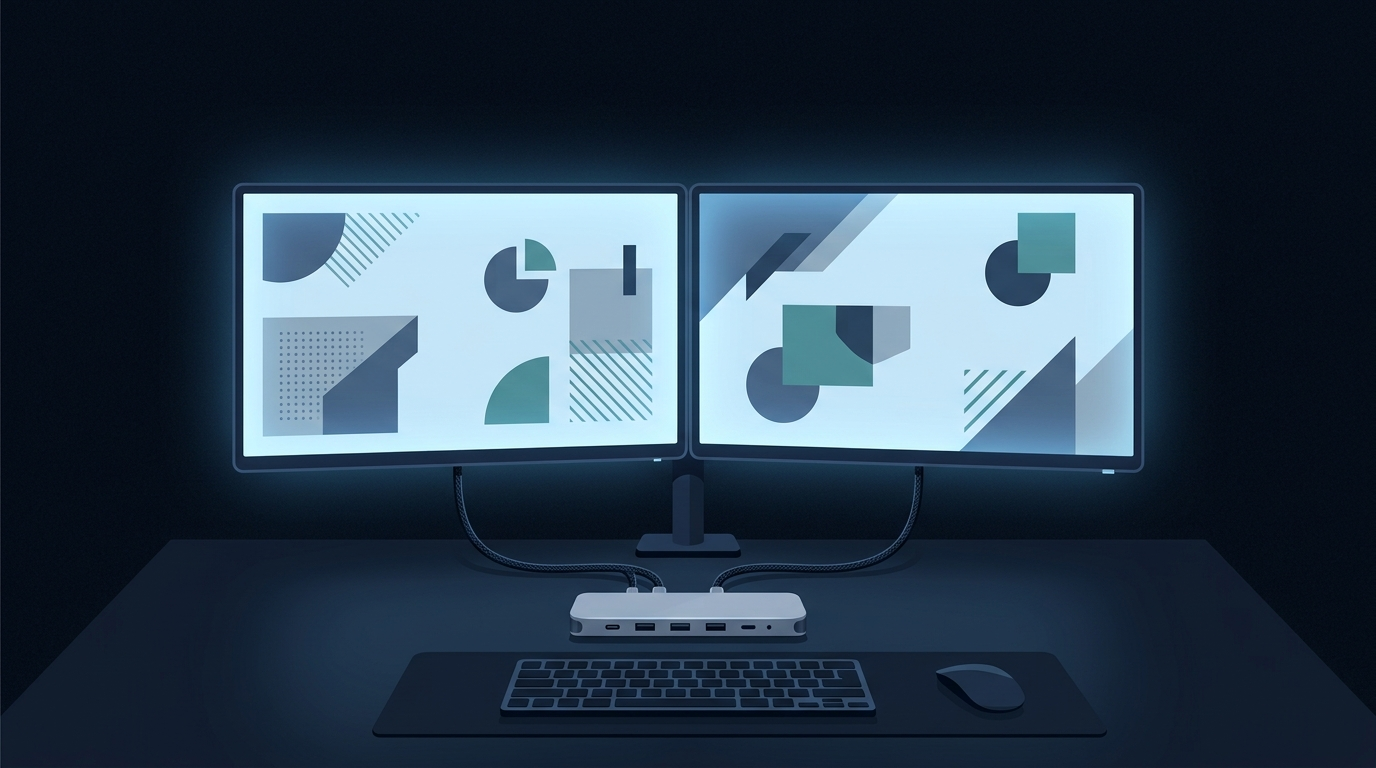
On October 2, 2026, Ugreen launched its new 11-in-1 USB4 docking station globally. Delivering a full 40 Gbps of bandwidth, the accessory’s flagship breakthrough is its native support for dual extended 4K displays at 120Hz across both Windows and compatible macOS systems—including machines powered by Apple’s M4 and M5 chips.
Cross-platform high-refresh dual display barriers have finally been bridged at the protocol level. In mixed-OS desktop setups, Mac users historically faced mirror-only limitations due to macOS lacking DisplayPort MST (Multi-Stream Transport) support, or had to settle for single-screen high refresh rates due to bandwidth constraints. Now, a single desktop dock unifies the multi-monitor workstation experience for both platforms.
Maximizing 40 Gbps Bandwidth for Dual 4K 120Hz Feeds
A docking station’s real-world capability depends entirely on its upstream bandwidth allocation strategy. Ugreen’s unit connects to host devices via an included 2.6-foot (approx. 0.8-meter) USB4 cable, claiming the entire 40 Gbps upstream pipe.
In terms of display output specs, it supports a single 4K display at up to 240Hz, or dual extended 4K screens running simultaneously at 120Hz. By comparison, Anker’s recently released desktop dock in the same class maxes out at 1440p at 240Hz on a single display, while dual 4K setups are capped at 60Hz. Driving two 4K 120Hz monitors simultaneously requires more than physical port count—it demands robust priority queuing from the controller chip to ensure DisplayPort Alt Mode packets aren’t choked by concurrent USB data transfers.
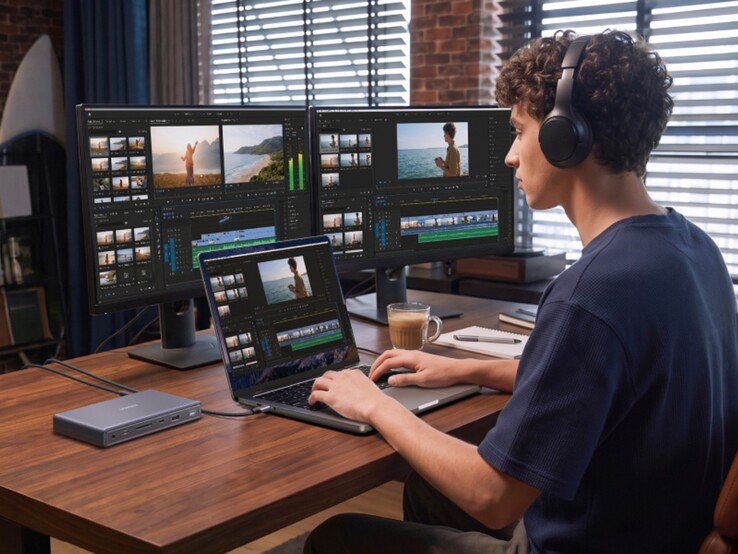 Figure: The docking station driving two external monitors in a dual-display setup. Source: Notebookcheck
Low-Profile Horizontal Design Keeps Cables Clear
From an industrial design standpoint, Ugreen moved away from the vertical tower form factor common in desktop docks, adopting an ultra-low-profile horizontal enclosure. While this design takes up slightly more horizontal desk surface, it effectively reclaims the vertical dead zone beneath a display.
The horizontal chassis slides neatly under monitor stands or risers, avoiding the top-heavy instability and sightline obstruction that plague vertical docks when connected to heavy, stiff video cables. The front panel layout prioritizes high-frequency plug-and-play access: a 10 Gbps USB-C port, a 10 Gbps USB-A port, SD and microSD card slots, and a 3.5mm audio jack. All semi-permanent peripheral cables route discreetly from the rear.
140W Input Delivers Plentiful Power Headroom
Modern desktop docking stations serve as central power distribution hubs. Ugreen equips this unit with a dedicated rear USB-C power delivery input supporting up to 140W. After reserving 25W for the onboard chipset, card readers, and connected peripherals, the dock delivers up to 115W of host charging to connected laptops.
Beyond keeping high-performance ultrabooks and mobile workstations running at full tilt, the rear 20 Gbps USB4 downstream port provides up to 15W of dedicated power. With just a single upstream cable, users can power the host machine, output dual independent 4K video streams, and keep a desktop wireless charging pad powered.
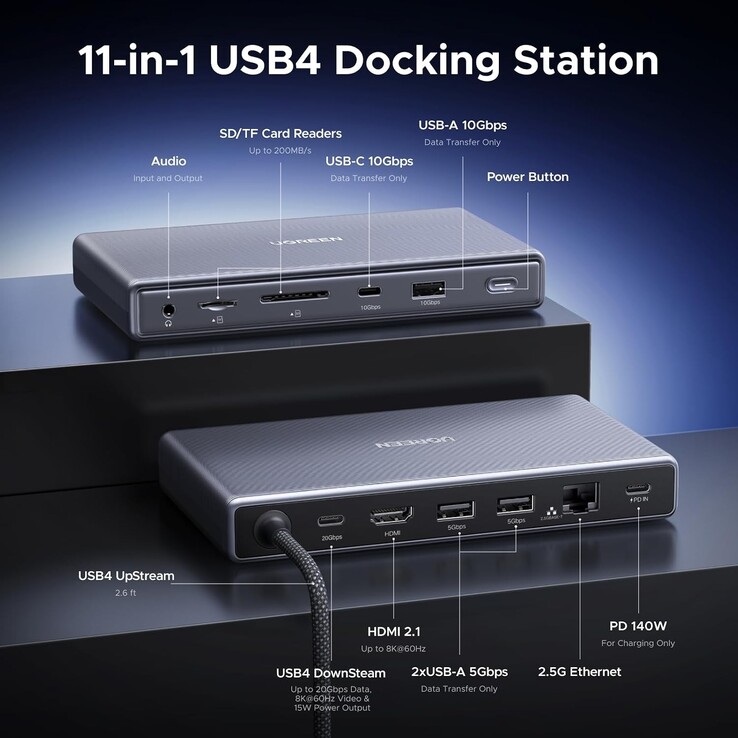 Figure: Rear layout of network, display, and power delivery ports. Source: Notebookcheck
2.5 Gbps Ethernet Rounds Out Desktop Connectivity
Even while prioritizing maximum display bandwidth, the rear panel retains a 2.5 Gbps RJ45 wired Ethernet jack. In congested or interference-heavy office wireless environments, a physical 2.5GbE connection ensures low-latency NAS file transfers and reliable throughput for massive project assets.
Complemented by two rear 5 Gbps USB-A ports, this 11-in-1 hub covers everything from power and networking to wireless keyboard/mouse dongles and high-speed external storage. The bandwidth balancing is straightforward: the host controller dedicates the majority of the 40 Gbps pipe to two 4K 120Hz video streams, while carving out enough room for concurrent 10 Gbps data transfers and 2.5GbE network traffic.
Apple’s M4 and M5 Chips Unlock Display Pipelines
Hardware protocol capabilities ultimately depend on operating system and platform-level support. Ugreen’s official compatibility documentation notes plug-and-play operation across both macOS and Windows. However, unlocking dual extended displays at full specification requires host devices with full USB4, Thunderbolt 4, or Thunderbolt 5 interfaces.
The evolution of Apple Silicon is clearly mirrored in this peripheral. Earlier generations of baseline M-series chips were infamously limited to driving a single external display. Ugreen explicitly touts full dual-display output support for compatible M4 and M5 Macs, providing direct accessory-maker validation that Apple’s latest silicon architectures have finally removed previous external display bottlenecks.
The Ugreen 11-in-1 USB4 Dock unifies cross-platform desktop workstations with seamless dual 4K 120Hz performance. Standardized protocols have finally overcome long-standing OS barriers, significantly lowering the friction of multi-display productivity.
Reference Links:
- Notebookcheck