Single-Cable PC Connection Eliminates Converters: Seamless Switch to Hardware Secondary Display
On October 27, 2026, XPPen officially opened pre-orders for its Magic Pro 13 professional drawing tablet, priced at $899. After clinching four innovation awards at IFA in Berlin, the device packs a 12.95-inch 3K paper-feel screen into a sleek 6.65 mm aluminum chassis. Beyond running Android 16 as an independent mobile slate, it doubles as a dedicated desktop drawing display.
Digital illustrators have long endured a fragmented workflow between two disjointed setups. Artists sketch on portable tablets in coffee shops, only to switch to bulky dedicated pen displays tethered to desktop rigs back in the studio. Managing this dual-device routine requires constant layer and project file syncing across cloud storage. Worse, creators must repeatedly recalibrate muscle memory between screens with disparate surface friction and styluses with conflicting pressure response curves.
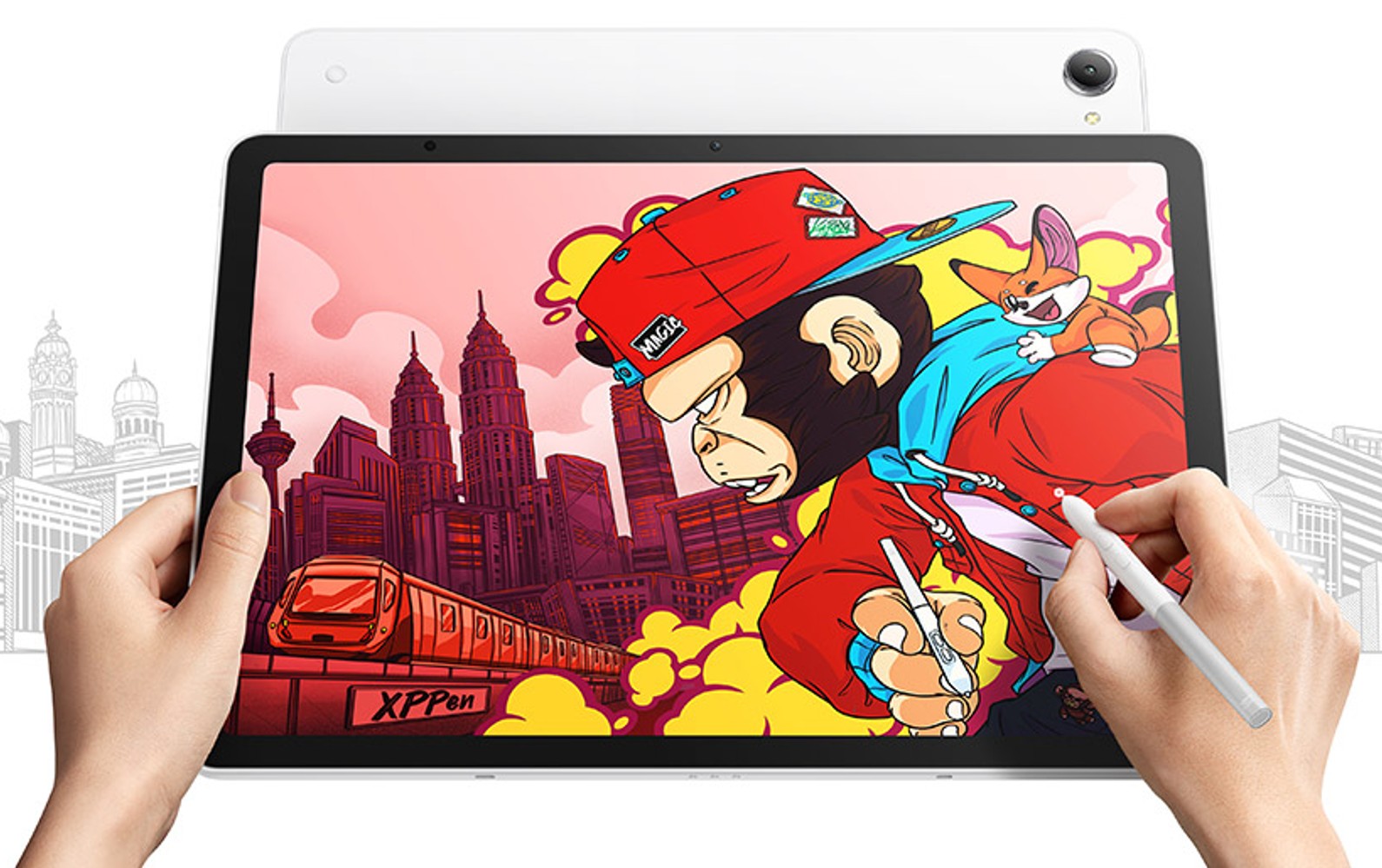
Figure: The XPPen Magic Pro 13 connects directly to a laptop via a single USB-C cable in drawing display mode, mirroring desktop creative software while sending low-latency pen input back. Source: Notebookcheck (XPPen official press photo)
Conventional consumer tablets have previously attempted to serve as secondary PC monitors. Apple’s Sidecar and various Android wireless casting utilities rely heavily on Wi-Fi video streaming. Heavily compressed encoding and decoding often introduce color banding and millisecond-level stylus lag. When drafting delicate linework, cursor jitter and stroke ghosting quickly disrupt creative flow.
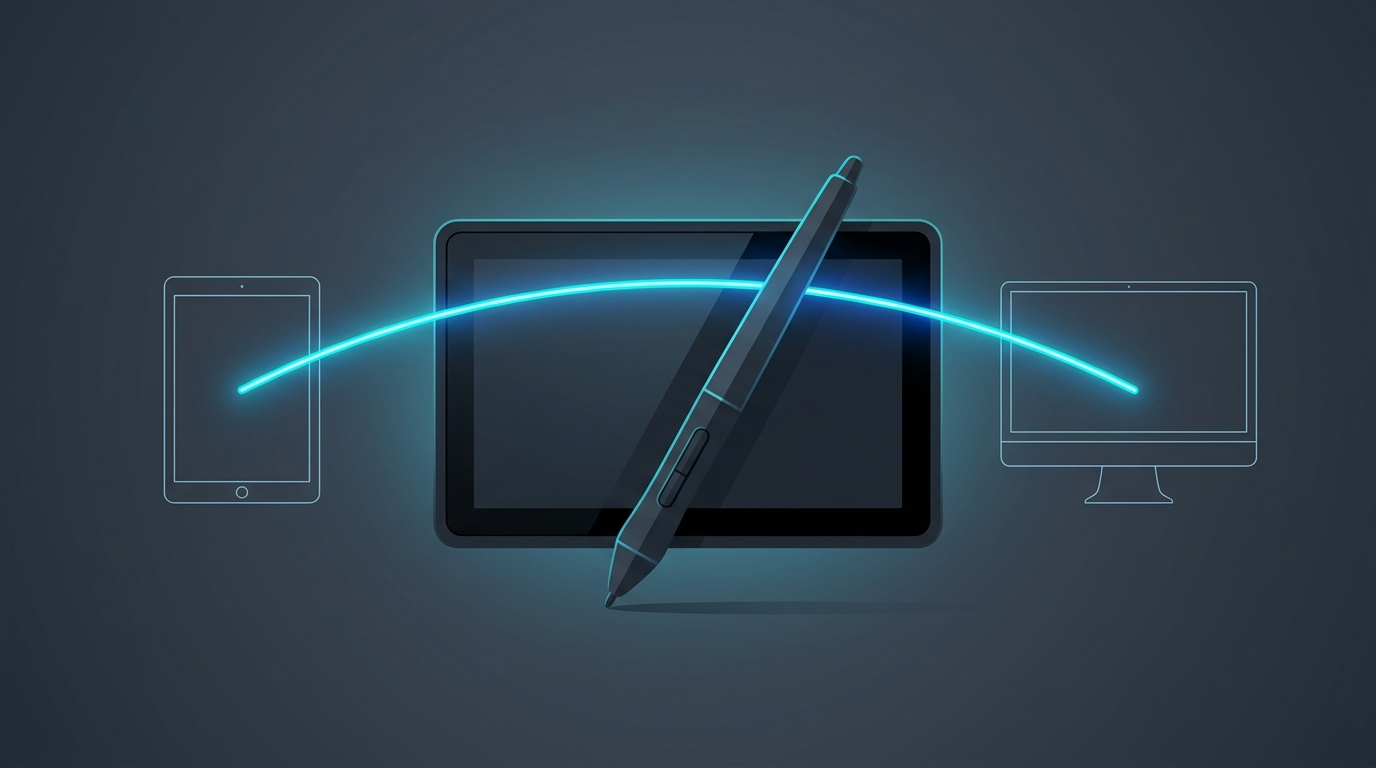
The Magic Pro 13 breaks this bottleneck through hardware-level direct routing. Along its chassis sit dual USB-C ports, with one dedicated exclusively to “Drawing Display Mode.” Simply plugging in the included Type-C cable prompts the display controller to switch data pathways directly. Bypassing software streaming layers entirely, the Magic Pro 13 reconfigures itself into a driver-free physical pen monitor.
This approach delivers uncompressed, pixel-perfect output directly from the host GPU. The native 3096 x 2064 resolution and 120Hz refresh rate remain fully intact, while stylus telemetry feeds straight into desktop operating systems over hardware-level USB signaling. Both Type-C ports support 45W Power Delivery fast charging. In practice, one cable handles display signals while the other draws external power, freeing creative desks from the bulky power bricks and messy 3-in-1 cable harnesses of traditional pen displays.
Nano-Etched Glass Tames Reflections: 3K Screen Restores Natural Paper Resistance
The display surface fundamentally governs an artist’s confidence with every stroke. The Magic Pro 13 sports a 12.95-inch LCD panel with a sharp 3096 x 2064 resolution and an artist-friendly 3:2 aspect ratio. Compared to widescreen 16:9 layouts, the 3:2 canvas provides vital vertical breathing room for toolbars and palettes whether sketching upright portraits or drafting horizontal storyboards.
Standard consumer tablets typically feature slick, high-gloss glass. The lack of surface friction makes hard stylus nibs feel like ice skates, hindering precise micro-control over strokes. While many creators compensate by applying matte paper-feel screen protectors, aftermarket films frequently scatter ambient light into rainbow noise, compromise display contrast, and accelerate nib wear.
XPPen addresses this with AG nano-etched glass treated with an AF anti-fingerprint coating. Microscopic textures etched directly into the protective glass produce natural diffuse reflection. With peak brightness reaching 650 nits and TÜV Rheinland low blue light eye-comfort certification, reflections remain minimal whether in bright studios or outdoor parks, allowing artists to discern subtle shading in shadow details.
Color fidelity remains a non-negotiable benchmark for professional production. The panel achieves 100% sRGB and 96% DCI-P3 wide color gamut coverage. XPPen has implemented system-level color space toggling: artists drawing webcomics can stick to standard sRGB to prevent oversaturation, while those handling cinematic concept art or commercial print layouts can swiftly switch to DCI-P3 to preserve master color integrity.
16K Pressure Levels and 2g Initial Activation Force: On-Chip Tech Eliminates Nib Play
The digital stylus serves as the core instrument of the entire creative experience. The Magic Pro 13 comes standard with the X4 smart-chip stylus. Built on battery-free EMR (Electro-Magnetic Resonance) technology, the pen eliminates the hassle of mid-session recharging. Boasting an industry-leading 16,384 levels of pressure sensitivity, it captures subtle nuances in hand pressure with acute precision.
For professional illustrators, Initial Activation Force (IAF) matters far more than peak pressure figures. Older styluses often require over 5 grams of physical force before registering ink, leading to dropped lines during light crosshatching or delicate hair detailing. The X4 stylus drops the activation threshold down to 2 grams—the moment the nib touches the nano-etched surface, ink flows instantly.
The mechanical construction has undergone a complete redesign as well. Equipped with a streamlined bullet-shaped nib, internal mechanical tolerance has been substantially tightened. Nib wobble is reduced, boosting structural stability by 200% and stroke-tracking response by 50%. The pen supports 60-degree tilt recognition, with center accuracy maintained within plus or minus 0.2 millimeters.
When shading broad swatches with the stylus angled, tilt dynamics faithfully replicate the textural grain of traditional graphite shading. Customizable side buttons handle eraser and eyedropper shortcuts on the fly. Hardware-level nib calibration eliminates parallax, aligning the physical tip seamlessly with on-screen ink.
Dimensity 8300 Handles Mobile Sketching: Workstations Take On Heavy Desktop Rendering
Portability is the cornerstone of on-the-go production. Weighing in at 655 grams and measuring just 6.65 mm thick, the Magic Pro 13 slips effortlessly into daily backpacks—a stark contrast to 1.5 kg Windows tablet workstations burdened by loud cooling fans. An integrated 10,200 mAh high-capacity battery paired with 45W fast charging easily sustains full-day outdoor drawing sessions.
Internal compute is driven by MediaTek’s Dimensity 8300 platform built on TSMC’s 4nm process. Paired with 8GB of RAM and 256GB of onboard storage, the device also supports up to 2TB expansion via microSD. Dual thermal profiles—Comfort and Performance—keep chassis temperatures comfortable during prolonged drawing sessions.
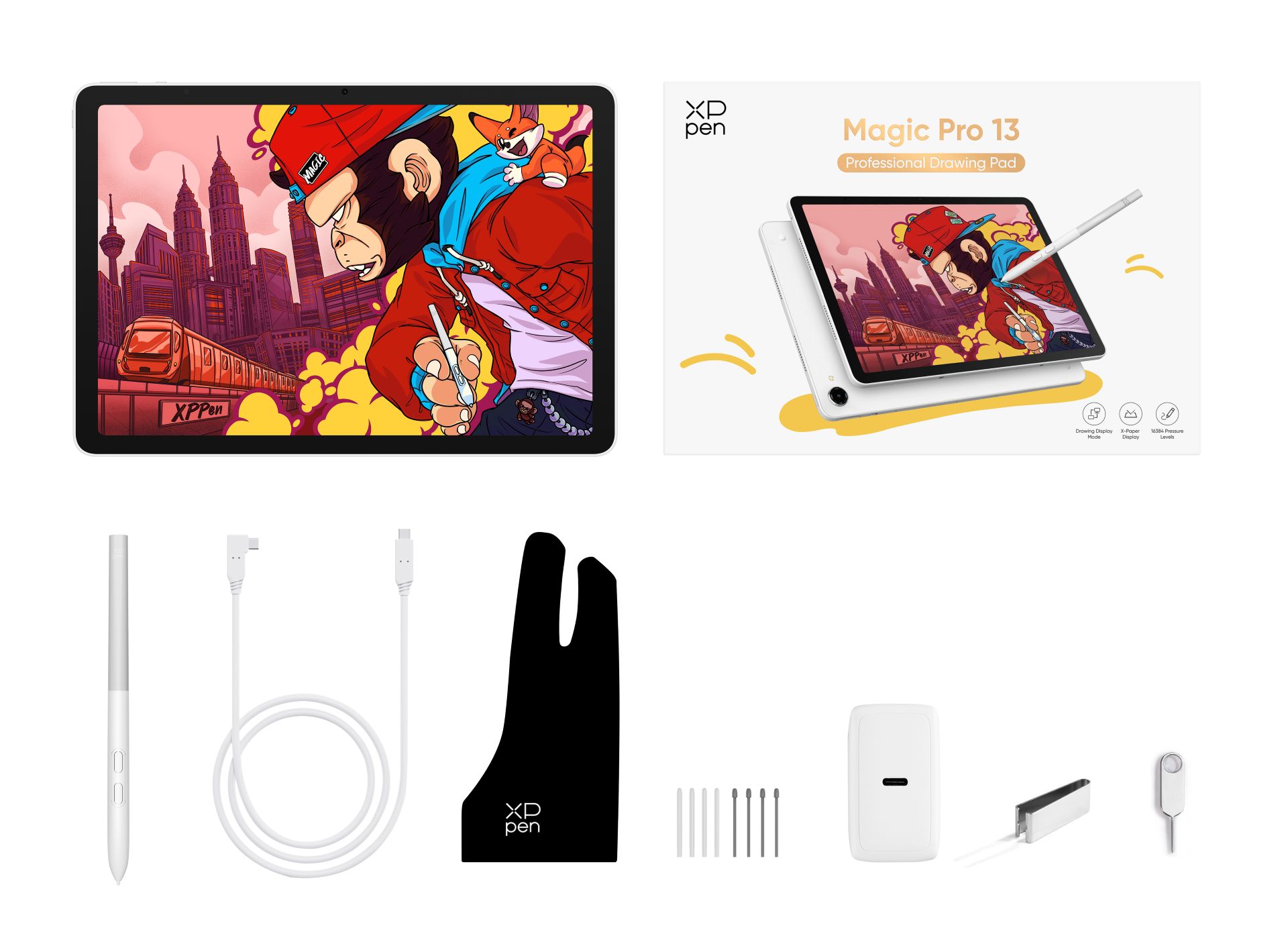
Figure: XPPen Magic Pro 13 retail packaging and included accessories, featuring the X4 smart-chip stylus and protective carrying sleeve. Source: Notebookcheck (Official showcase)
On the software front, the slate runs a customized Android 16 environment. XPPen introduced “Shelf,” an algorithmic asset manager that automatically categorizes inspiration scraps with intelligent tags and enables quick searches by color or object. The lightweight “Canvas” app supports instant screen-off sketching: tapping the stylus button launches straight into a blank sketchpad.
The package includes generous software bundles: six months of ibisPaint X alongside three-month memberships for Clip Studio Paint and MediBang Paint. The division of compute is clear: quick conceptualization, plein-air sketching, and initial linework run untethered on internal silicon, while complex master files with dozens of heavy layers, global illumination rendering, and demanding filters are handed off to PC workstation GPUs.
Entering the Pro Market at $899: Dual-Mode Architecture Ends Workflow Fragmentation
Priced at $899, the Magic Pro 13 establishes a strategic market foothold right between mainstream consumer flagship tablets and expensive dedicated graphics displays. Outfitting a 13-inch iPad Pro with a stylus and keyboard often exceeds $1,500, while next-gen professional pen displays from Wacom command four-figure premiums. The Magic Pro 13 covers both portable sketchpad and desktop graphics monitor roles for under a thousand dollars.
This dual-mode approach involves genuine engineering trade-offs. Power users note that 8GB of memory can feel constrained when managing massive multi-layer projects directly on Android, and the mobile Android creative app ecosystem still trails iPadOS in mature tooling depth. Furthermore, while the nano-etched glass effectively banishes glare, it trades off a fraction of the deep black contrast and optical clarity found on pure glossy OLED panels.
Yet the device’s functional synergy offsets these limitations. Artists no longer expect an ultra-portable tablet to shoulder studio-grade rendering on its own, smoothly offloading compute-heavy tasks to desktop workstations. By bridging portable sketching with deep studio production via hardware-level dual-mode switching, the Magic Pro 13 frees creators from choosing between mobility and workstation power.
The evolution of digital drawing tools is moving beyond raw pressure specs. Uniting an independent smart operating system with lossless hardware direct-display capabilities marks a practical leap forward for digital creative gear.
Reference Links:
- Notebookcheck: XPPen Magic Pro 13 drawing tablet launches with Android 16 OS
- XPPen Official Product Specifications and Launch Documentation