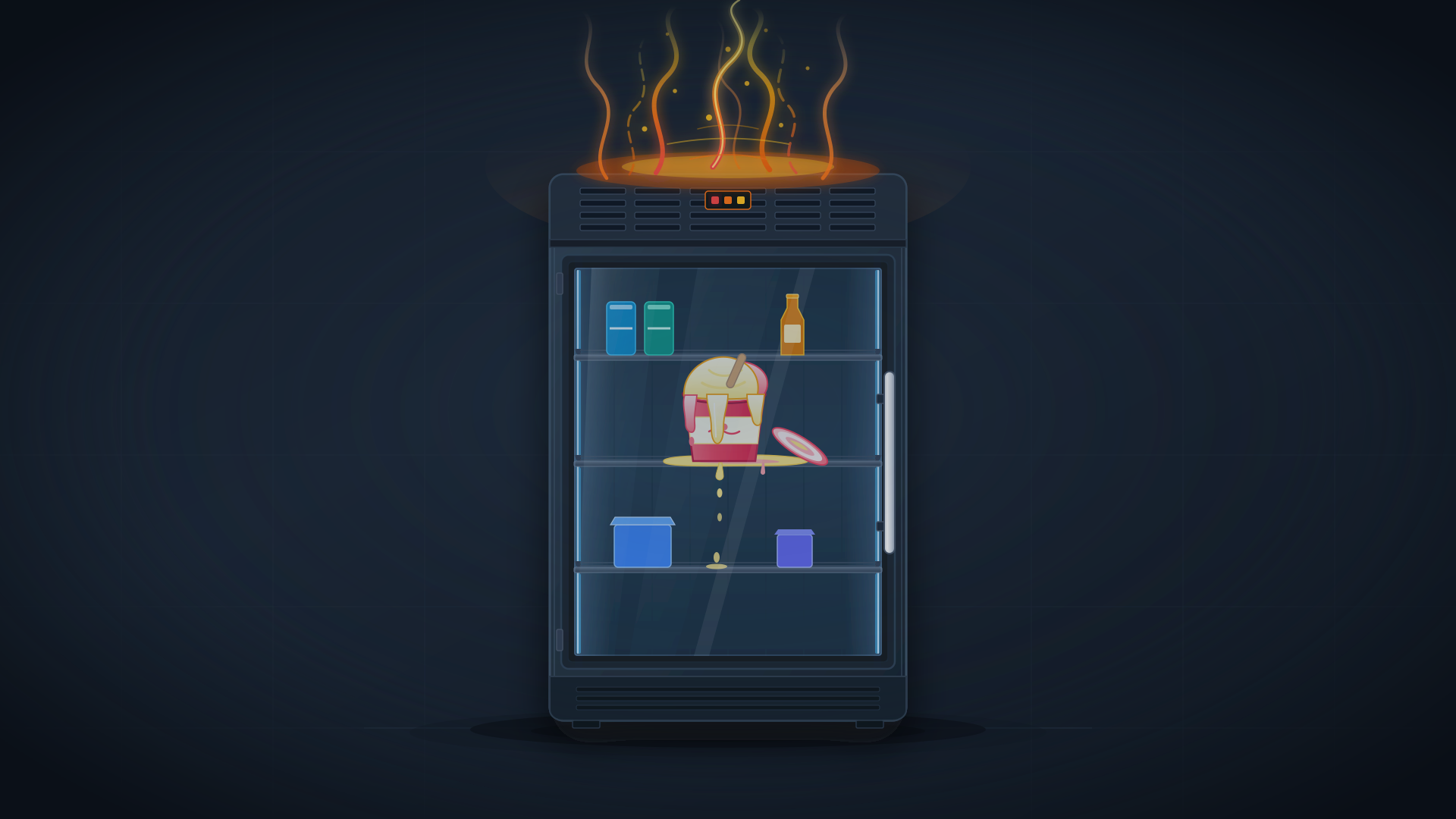
On September 8, 2026, Microsoft rolled out security update KB5002914. In one fell swoop, the patch plugged 29 vulnerabilities across Excel, silently installing in the background across millions of PCs. The next morning, countless users encountered something bizarre: copying a cell in a spreadsheet and attempting to paste it yielded absolutely no response on screen.
The destination cell remained completely unchanged. No error dialogue popped up. The speakers emitted no warning chime. The source selection simply stayed highlighted, frozen in quiet defiance.
Silent Failures Destroy the Troubleshooting Feedback Loop
In software engineering, a foundational truth holds: the most damaging defects are silent failures. A crash, at the very least, provides an unambiguous declaration of death. The user knows to seek IT support or restart the application. With this Excel copy-paste breakdown, Microsoft delivered a textbook specimen of a silent failure.
The company’s description on its “Known Issues” page captured the behavior with surgical precision: when a user attempts to paste content, the source remains selected, nothing changes at the destination, and no error message or notification sound is produced.
A failure devoid of feedback offloads the entire cognitive burden of troubleshooting directly onto the human brain. Someone sitting before a display does not immediately jump to the conclusion that Microsoft shipped defective code. Their instinctive reaction is to doubt their own fingers.
They press Ctrl+V harder, or switch to right-clicking the context menu. By the time they verify their actions were flawless, self-doubt has already drained ten minutes of energy and focus.
An explicit error message points users toward a workaround or patch. A silent failure merely leaves people trapped in repetitive, futile motions, breeding deep frustration. In software engineering, safeguarding usability is just as critical as patching vulnerabilities. A tool that sheds its predictability becomes a knife that invisibly cuts the user’s fingers.
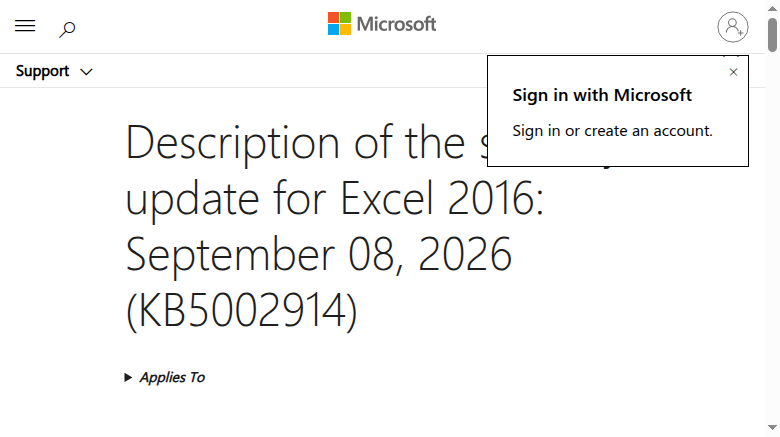 Figure: Official release notes for Excel security update KB5002914, listing the resolved vulnerabilities. Source: Microsoft Support
Servers Stuck on the “Please Wait” Screen
The fallout from the updates was not confined to office productivity software. Core networking and communication components deep inside the OS took a direct hit. Remote Desktop Services (RDS) across multiple Windows editions began malfunctioning almost immediately after installing the update.
Connections would hold for a few minutes before abruptly dropping. The server would then become unresponsive, marooned on a configuration screen reading “Please wait.”
The blast radius extended well beyond baseline remote desktop connections. The Microsoft Management Console (MMC) and RDS Licensing Diagnoser stopped responding. File Explorer at the OS foundation stuttered. In a cruel twist of irony for system administrators, the Windows Update settings page itself frequently froze during the process.
Severing remote access and freezing administrative utilities effectively ties an administrator’s hands. For sysadmins managing hundreds or thousands of virtual machines, the only immediate recourse was forcibly halting VM allocations. Rebooting bought merely a fleeting window of connectivity before the hang returned.
When foundational protocol stability is sacrificed for a hastily released security patch, the infrastructure ceases to be viable.
Legacy Audio Standards Abruptly Severed
With productivity apps and server protocols wounded, peripheral hardware was next in the line of fire. On versions like Windows 11 26H1, select USB Audio Class 1.0 devices went entirely mute. System audio output cut out. Sound settings and volume mixer panels froze or failed, and multi-channel audio setups collapsed into disarray.
USB Audio Class 1.0 is a legacy standard dating back to the late 1990s. While modern high-end studio gear has moved to newer protocols, an enormous installed base of USB microphones and specialized audio interfaces still relies on it. Some users managed to coax audio back by diving into the legacy Control Panel and forcing the hardware into 2-channel stereo mode.
Breaking compatibility with legacy standards often amounts to rendering hardware obsolete overnight. Microsoft officially acknowledged the defect, stating that a resolution was in development—without committing to a timeline.
In codebase maintenance, backward compatibility is always grueling, unglamorous work. But for the user whose microphone worked yesterday and turned into an inert brick today, assurances of vulnerability remediation are cold comfort.
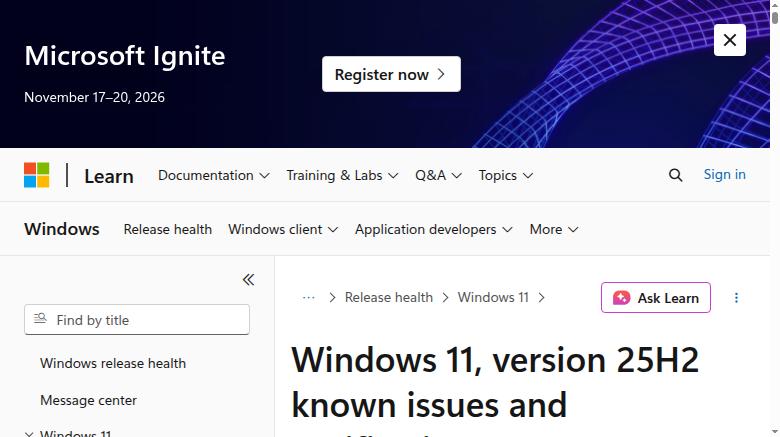 Figure: The known issues dashboard on Microsoft Windows Release Health, where the company acknowledged issues caused by the September updates. Source: Microsoft Learn
Uninstalling the Patch Becomes the Only Escape
Amid the turmoil, users were backed into a perverse dilemma. Security update KB5002914 resolved 29 vulnerabilities in Excel, several involving high-severity Remote Code Execution (RCE) and information disclosure flaws. Yet Microsoft provided no mitigation that preserved the security fixes while bypassing the copy-paste breakdown.
Support forums quickly filled with troubleshooting experiments. Some users resolved the problem by uninstalling and reinstalling Office entirely. Others resorted to the command line to strip the security update from their machines. But rolling back the patch meant deliberately re-exposing those 29 vulnerabilities.
When a security patch breaks essential day-to-day functionality so severely that users are compelled to uninstall it to get their work done, its net impact on operational continuity is indistinguishable from an attack.
When the side effects of a defense mechanism outweigh the inherent risks of the system, that security barrier represents a failed piece of engineering.
Users Foot the Bill for Rushed Security Patches
Just six months earlier, in March 2026, Microsoft Windows leadership publicly pledged to tackle quality issues, speaking of “healing the wounds of the operating system.” Against that rhetoric, September’s cascade of broken updates offered what The Register described as supreme irony.
The situation was even more darkly comic for Windows Server 2012. The aging operating system is slated to exit its Extended Security Updates (ESU) lifecycle on October 13, 2026. Right on the brink of retirement after more than a decade of service, it received a parting gift that crippled Remote Desktop.
The steepest toll of a patch debacle lies in the manner of its failure: the silent refusal to paste, the perpetual loading spinners, the open-ended timeline for audio fixes—all chipping away at the operating system’s credibility. When delivery cadence trumps test coverage, the inherent tension between security and usability inevitably snaps.
Left in the wake of the updates, ordinary computer users were left to pick up the pieces in confusion. And this time, nobody knew where to submit a warranty claim for a broken Ctrl+V.
Reference Links:
- Microsoft Windows Release Health Known Issues
- Microsoft Support KB5002914 Release Notes
- The Register Coverage
- Hacker News Community Discussion