
On October 4, 2026, iFixit published its comprehensive teardown of the Steam Frame. Powered by Qualcomm’s Snapdragon 8 Gen 3, this new standalone VR headset achieves commendable modularity across most high-wear components. Yet, in an unexpected engineering concession, the cooling fan—the single component most in need of periodic dust removal—is buried at the very bottom of the assembly.
Dedicated, Isolated Access for the Battery
The Steam Frame rethinks battery architecture by housing its 20.9 Wh dual-cell lithium-ion pack inside the rear headstrap. Repair technicians can remove and replace the battery module independently, without touching or risking damage to the delicate front optics.
While Valve still relies on conventional adhesive rather than stretch-release pull tabs, the battery can be cleanly and safely pried out with just a few drops of isopropyl alcohol (IPA). Placing the fastest-degrading consumable on the outermost perimeter continues Valve’s longstanding philosophy of repair-friendly hardware design.
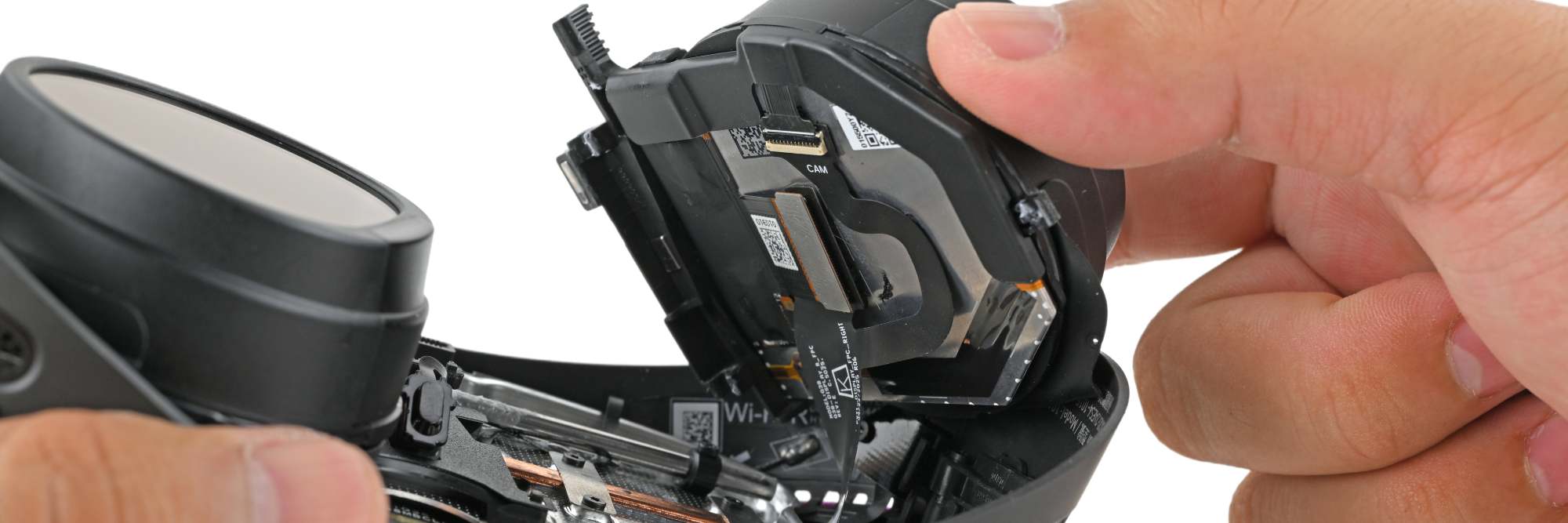 Figure: The complete Steam Frame teardown. Source: iFixit
Magnetic Rails for the Optical Modules
Display and lens assemblies also offer straightforward serviceability. The LCD display modules are magnetically secured along the motorized IPD (interpupillary distance) adjustment rails. Sliding the assemblies to their widest setting reveals the underlying mounting screws.
Direct sunlight can quickly burn VR displays, while lenses remain vulnerable to accidental scratches. Designing these as self-contained, swappable modules provides ample physical clearance for future repairs. Meanwhile, the controllers revert to using two standard AA batteries and swap traditional potentiometer joysticks for TMR (tunneling magnetoresistive) sensors, eliminating stick drift at the physical layer.
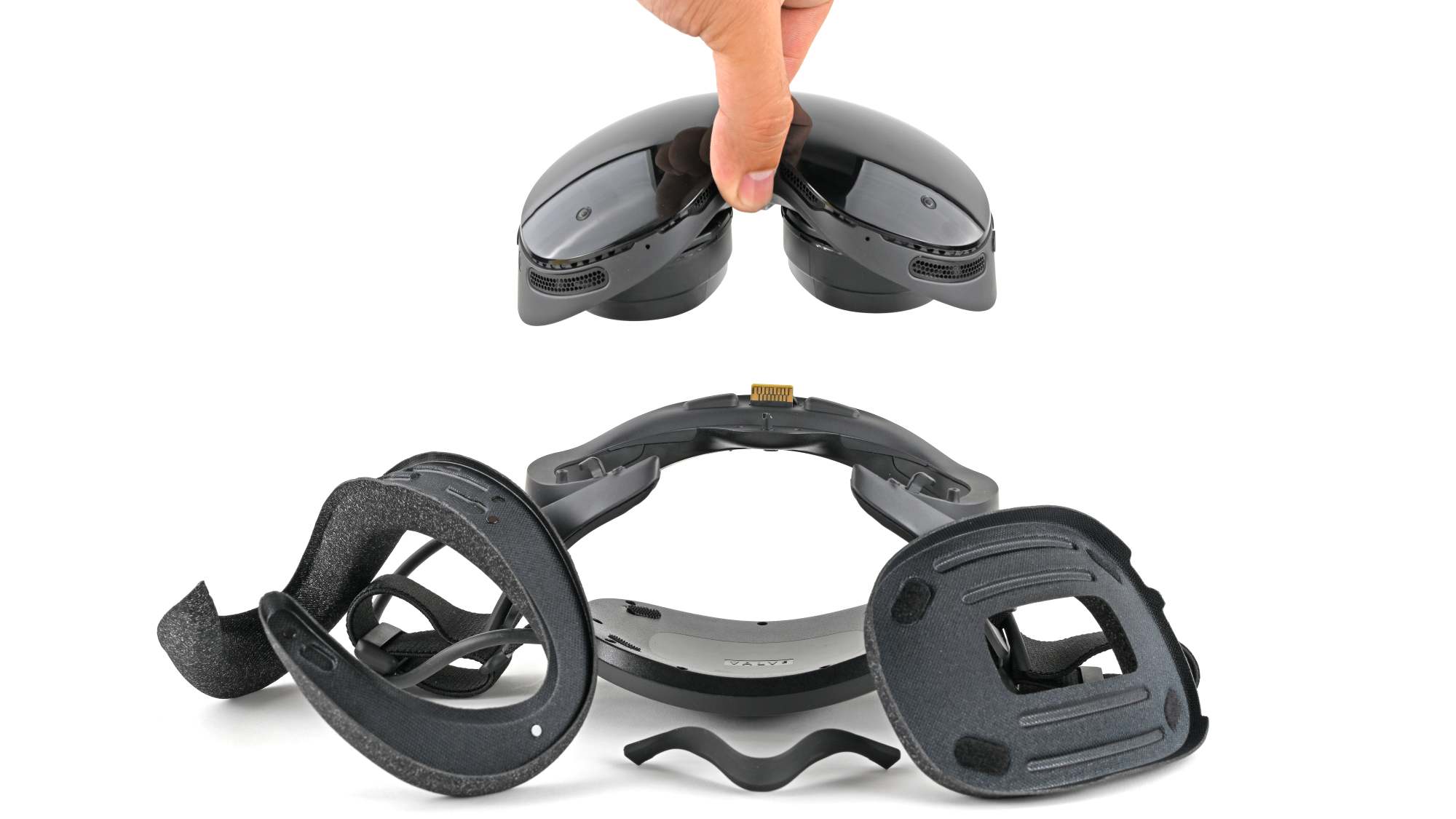 Figure: The optical and display assembly of the Steam Frame. Source: iFixit
Accessing the Cooling Fan Requires Gutting the Motherboard
Beneath this modular veneer, the cooling fan stands out as the single biggest service bottleneck. To extract the fan, technicians must first dismount the optical modules, negotiate a dense maze of delicate ribbon cables, and remove the entire motherboard assembly.
Given that high-speed fans inevitably accumulate dust and lint over time, burying the blower beneath the core logic board feels counterintuitive. First-generation hardware invariably demands engineering trade-offs, and the inherent friction between modularity and a compact footprint surfaces first at thermal management. Routine dust cleaning is inevitable for long-term device health, yet the current architecture turns a simple maintenance chore into a major surgical overhaul.
High-Density Compute Demands a Spatial Toll
The Steam Frame packs serious silicon into its compact chassis: a Snapdragon 8 Gen 3 SoC, 16GB of RAM, and up to 1TB of high-speed flash storage, alongside 12 infrared emitters ringed around the perimeter for inside-out spatial tracking.
With the motherboard surface packed dense with sensors and compute silicon, the remaining internal volume simply could not accommodate quick-release mechanisms for every component. Strapping a complete desktop-grade mobile computing platform to the user’s face forces an unavoidable compromise between compactness and repairability. The Steam Frame undeniably achieves impressive modularity across most assemblies, but that fan trapped behind the motherboard serves as a stark reminder: first-generation hardware always incurs spatial debt in places out of sight.
Reference Links:
- Steam Frame Teardown: We’re Fans. Except of the Fan