
Following the August 2026 release of LibreOffice 26.8, a user left a wry comment beneath the official announcement: “So, no AI is now a feature?”
Taking that question seriously, The Document Foundation responded on September 3 with a six-point gatekeeping checklist for artificial intelligence. As an office suite deployed across tens of millions of desktops—in schools, hospitals, public agencies, law firms, and countless other organizations—LibreOffice refuses to add features to its default setup unless they strictly align with the project’s core principles. This checklist effectively resets the scorecard for office AI: the question shifts from “Does it have AI?” to “Where does inference run, where do documents go, and who controls the format?” For commercial, subscription-driven office suites, such criteria are virtually impossible to adopt, because vendor lock-in and their monetization models are mutually reinforcing.
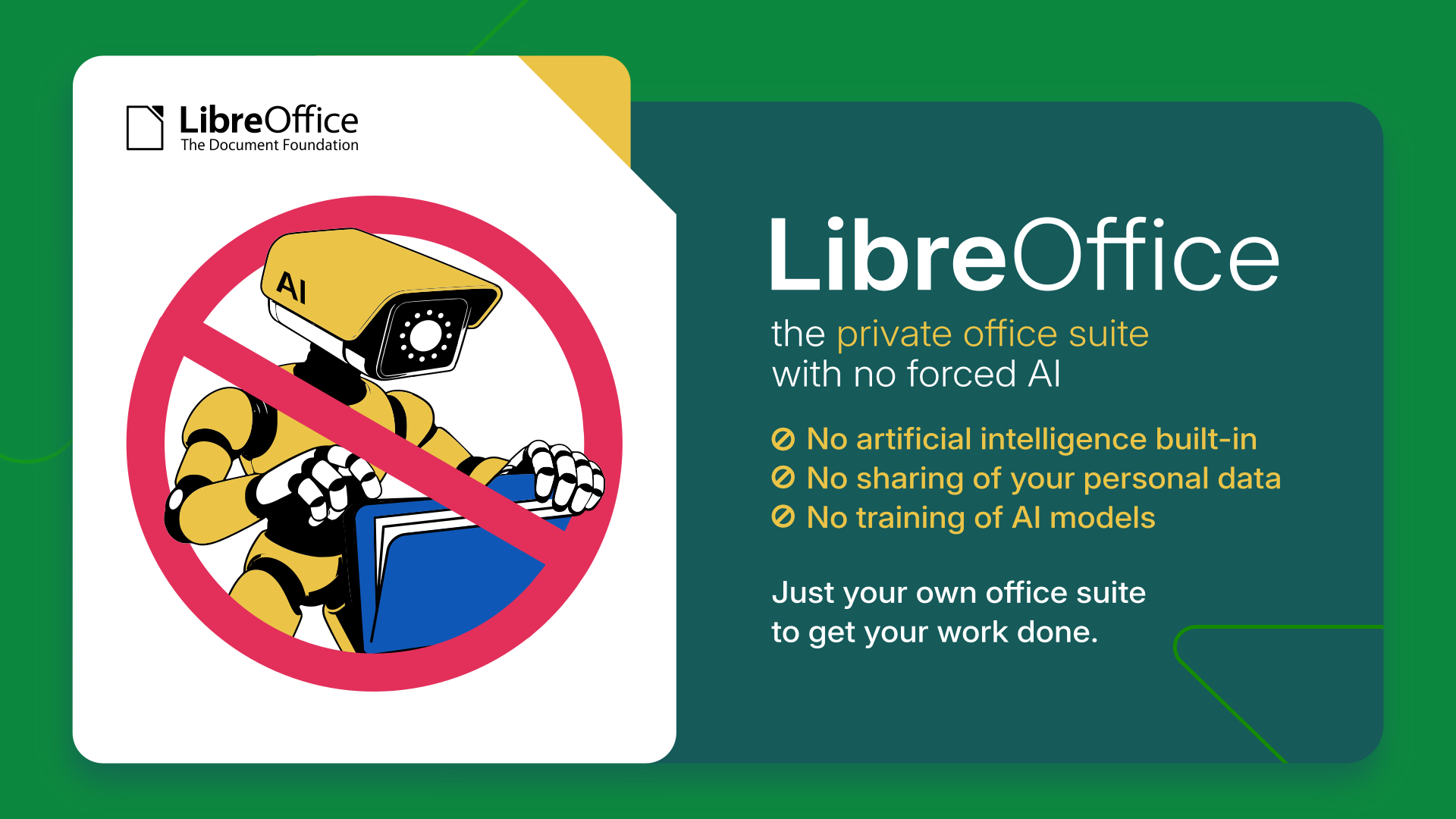 The LibreOffice team emphasizes optionality in their blog post. Source: The Document Foundation Blog
Six Hard Standards That Subscriptions Cannot Meet
LibreOffice does not reject artificial intelligence out of hand. Instead, the foundation frames these six conditions as an objective assessment of the current state of technology. A feature will only make its way into the default configuration once it satisfies all six criteria:
First, user-controlled execution. Users must retain complete authority over where inference happens: on the local machine, on self-hosted infrastructure directly under their control, or via an independently chosen third-party service. Silently defaulting document traffic to a single corporate provider is not a real choice.
Second, no content may leave the computer without authorization. In enterprise and public sector deployments, document contents represent sensitive and legally protected assets—medical records, court filings, competitive tender proposals, and student data. Document transmission must always be the explicit result of an intentional user decision, never an unprompted background process initiated by the software.
Third, no telemetry of any kind. LibreOffice has long maintained a strict zero-telemetry policy, collecting no usage data. Future AI features must uphold this exact baseline: interaction history and feature invocation frequencies cannot be quietly harvested or phoned home.
Fourth, no dependence on a single provider. Integrations wired exclusively to one company’s proprietary API are simply lock-in mechanisms, regardless of how marketing-friendly the release notes sound. Interfaces must remain open and swappable across multiple backends, guaranteeing that users can switch underlying models at any time.
Format Sovereignty Determines Document Ownership
Fifth, no compromises on format. Generated text and metadata must adhere to standard Open Document Format (ODF), preserving document structure, styling, and semantic fidelity without degradation. An AI assistant that produces proprietary wrappers or forces users into closed formats perpetuates content lock-in throughout the document lifecycle.
Sixth, entirely optional. Any AI module must be easy to install, clean to remove, and completely invisible in the UI for users who do not wish to use it. This is a vital requirement for system administrators provisioning thousands of managed endpoints across environments where organizational policies forbid AI toolchains.
Measured against this rigorous checklist, the foundation’s verdict on current offerings is unequivocal: not a single existing AI integration meets all six criteria. None can be deployed out of the box or sustainably maintained across the support lifecycle of a release. By setting these technical boundaries, LibreOffice effectively blocks proprietary AI assistants from penetrating the open-source desktop baseline.
 LibreOffice emphasizes that documents should be fully controlled by users. Source: The Document Foundation Blog
Third-Party Extensions Handle Local Demand
This stance does not leave LibreOffice users cut off from modern LLM capabilities. The foundation maintains an architectural escape hatch: users who want AI features can plug them in via third-party extensions.
Most working extensions today connect to local open-source models using Ollama, LM Studio, or local OpenAI-compatible endpoints. In this setup, inference runs entirely on local silicon, and document contents never leave the host machine. However, The Document Foundation explicitly cautions that these extensions exist at varying stages of maturity and are maintained by independent developers rather than the foundation itself.
Users and sysadmins evaluating these extensions should scrutinize them just as they would any external dependency—verifying whether hidden cloud telemetry endpoints are configured and understanding what external providers do with inbound traffic. The healthy ecosystem of local models proves that genuine demand exists, and that word processing workflows can integrate AI without packaging up corporate documents for tech giants.
Business Models Dictate Where Data Goes
The deeper driving force behind this checklist lies in the divergence of business models.
For software vendors selling monthly SaaS subscriptions, thrusting an AI assistant into the primary workspace is central to revenue expansion. AI features justify subscription price hikes while normalizing the practice of centralizing all customer documents inside proprietary cloud storage. Functionality and billing models reinforce each other, turning forced AI integration from an option into a commercial imperative.
The Document Foundation, by contrast, operates as a non-profit. There are no subscription tiers to defend, no quarterly upsell quotas to hit, and no user datasets to monetize. This structural insulation shields the project from the pressures of quarterly earnings. As the blog post candidly notes, this does not make the foundation inherently smarter than proprietary vendors—it simply affords the team the luxury of time to evaluate whether a capability is genuinely beneficial to its users.
Community Debate Centers on Local Viability
On the developer community Lobsters, discussions around the six criteria struck a pragmatic chord. The debate kicked off over a moderation nuance: a user requested that the submission omit the vibecoding tag.
The moderator rejected the request, noting that the tag specifically denotes “using AI coding tools, without redundantly stacking the generic AI tag.” Once the meta-debate cleared, community consensus proved remarkably cohesive: for developers committed to privacy and digital sovereignty, talking about sweeping office suite integrations is premature until local-first, on-device solutions are truly viable.
That consensus highlights widespread developer wariness toward cloud-hosted AI infiltrating everyday operating tools. When a piece of desktop software attempts to channel core organizational knowledge into a single vendor’s cloud, pushback inevitably begins with the engineers who best understand network traffic pipelines.
Opening the Door Only When Hardware Catches Up
This defense of digital sovereignty fits cleanly into The Document Foundation’s broader message. On September 28, LibreOffice celebrated its 16th anniversary of independence. It is precisely that organizational independence that allows it to enforce such stringent gates. Yet the checklist is not an eternal ban on AI.
The technological trajectory is moving steadily in favor of local computing. On-device inference on commodity hardware is becoming practical, and open-weight models are progressing at a pace that has exceeded expectations. The foundation left the door explicitly ajar: should an approach emerge that satisfies all six conditions, it will be evaluated with open eyes.
Until viable local solutions mature, the default LibreOffice installer will remain entirely free of AI. Replacing emotional dogma with verifiable engineering specifications represents the most pragmatic response to AI hype.
Reference Links:
- The Document Foundation Blog
- Lobsters Community Discussion